
Tell attendees where the event is and how to get there. The facts and the look live in two places.
- Open Event Elements › Event Essentials and enter the venue name and address with the rest of your core facts: what, when and where are one page.
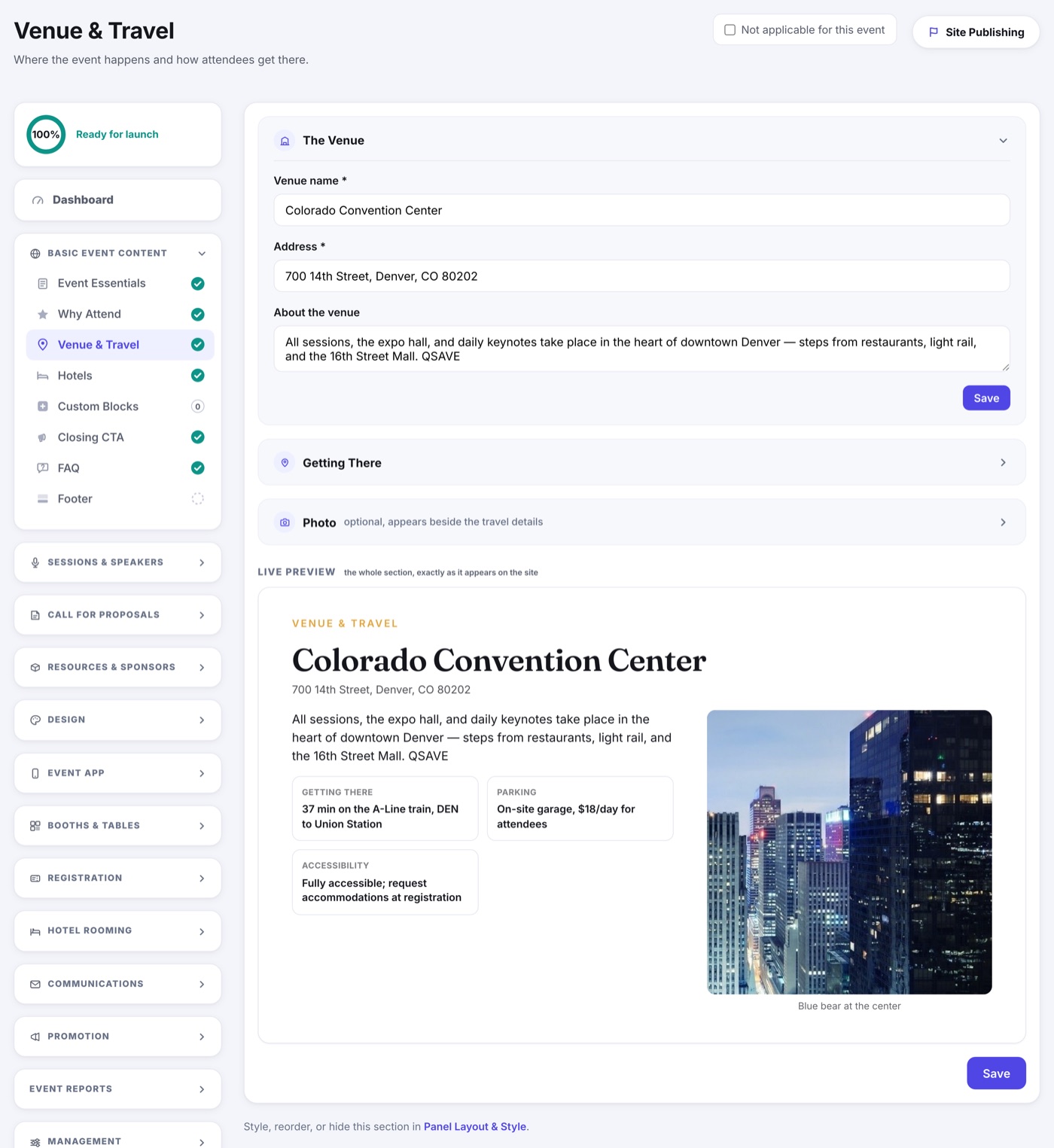
- Open Event Website › Website Sections › Venue Panel for how the venue appears on your site: how attendees get there, travel and parking notes, and the photo beside it, previewed live.
- Save and preview to check how it reads.