
The hero is the big banner at the top of your site. Here you set your brand color, upload your logo, and choose a hero background.
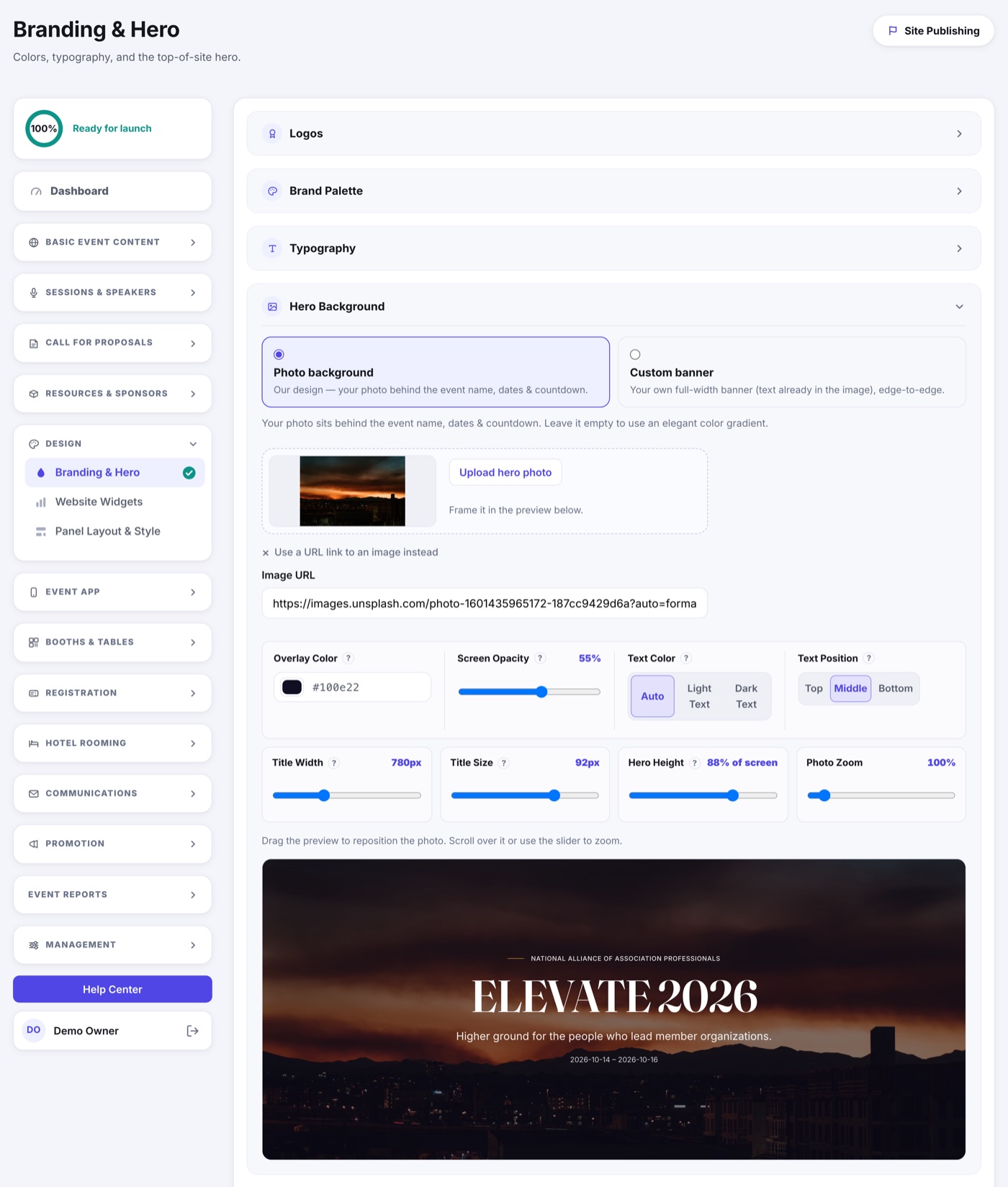
- Open Branding & Hero.
- Pick your brand color - it's used for buttons, links, and accents across the whole site.
- Upload your event logo.
- Add a hero image or background, and confirm the headline text.
- Save and preview.
How wide the event name runs
Under Hero Background, Title Width sets the band your event name sits in. Widen it and a long name gets more room; narrow it and the name wraps sooner. Once you move it, the name is sized to fit the band you chose instead of wrapping inside it, which is how a long title lands on one line.
Leave the slider alone and nothing changes: the name keeps its full size and wraps as it always did. The other sliders beside it set the hero's height, how strongly the photo is tinted, and how far the photo is zoomed.
The Hero Buttons
The Hero Primary Button and Hero Secondary Button groups set the buttons on the hero: their labels and where they go, plus a one-line note under the primary button. See Where Your Buttons Go.