
Speakers are almost always in the Speaker Portal before they register. A Speakers Only registrant type uses that: only someone on your approved speaker list can register as it, so a free or discounted speaker pass never goes to somebody who is not speaking.
Turning It On
- Open Registration › Registrant Types and edit your Speaker type.
- Under Speakers Only, tick Only this event's approved speakers may register as this type.
- Save. The type's row now carries a Speakers only tag.
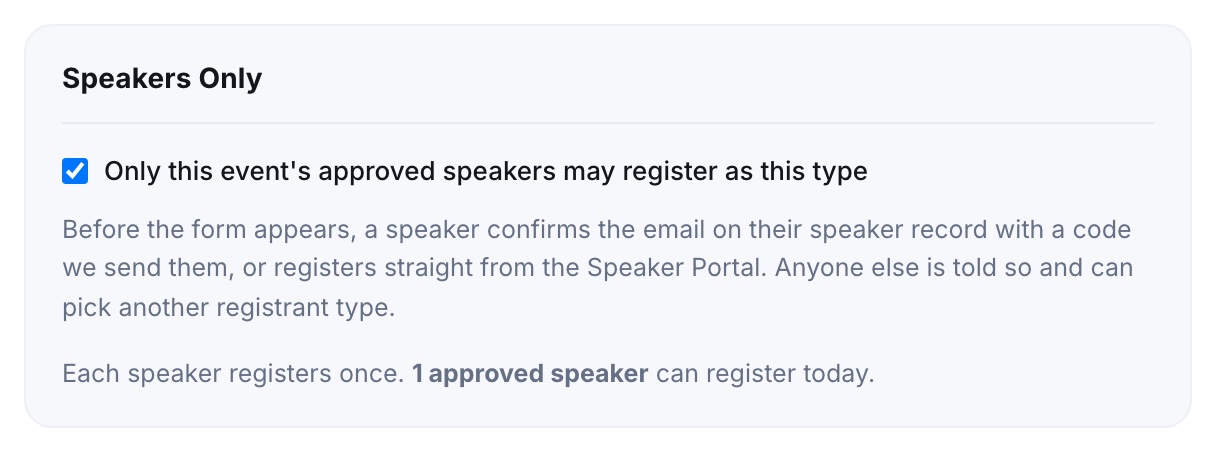
The box counts how many approved speakers can register today, and warns about any approved speaker with no email on file. They cannot register until you add one on the Speakers page, because the email is how they prove who they are.
How a Speaker Gets In
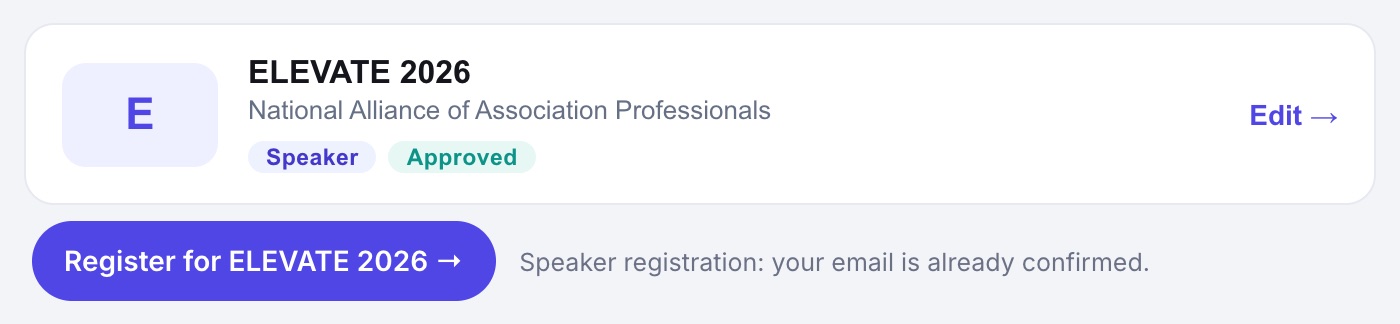
From the Speaker Portal. Each approved speaker sees a Register for button under your event. It opens the registration form with the Speaker type already unlocked, because signing in to the portal already proved who they are. Once they have registered, the button reads Registered for this event.
From the registration form. A speaker who picks the Speaker type is asked for the email on their speaker record:
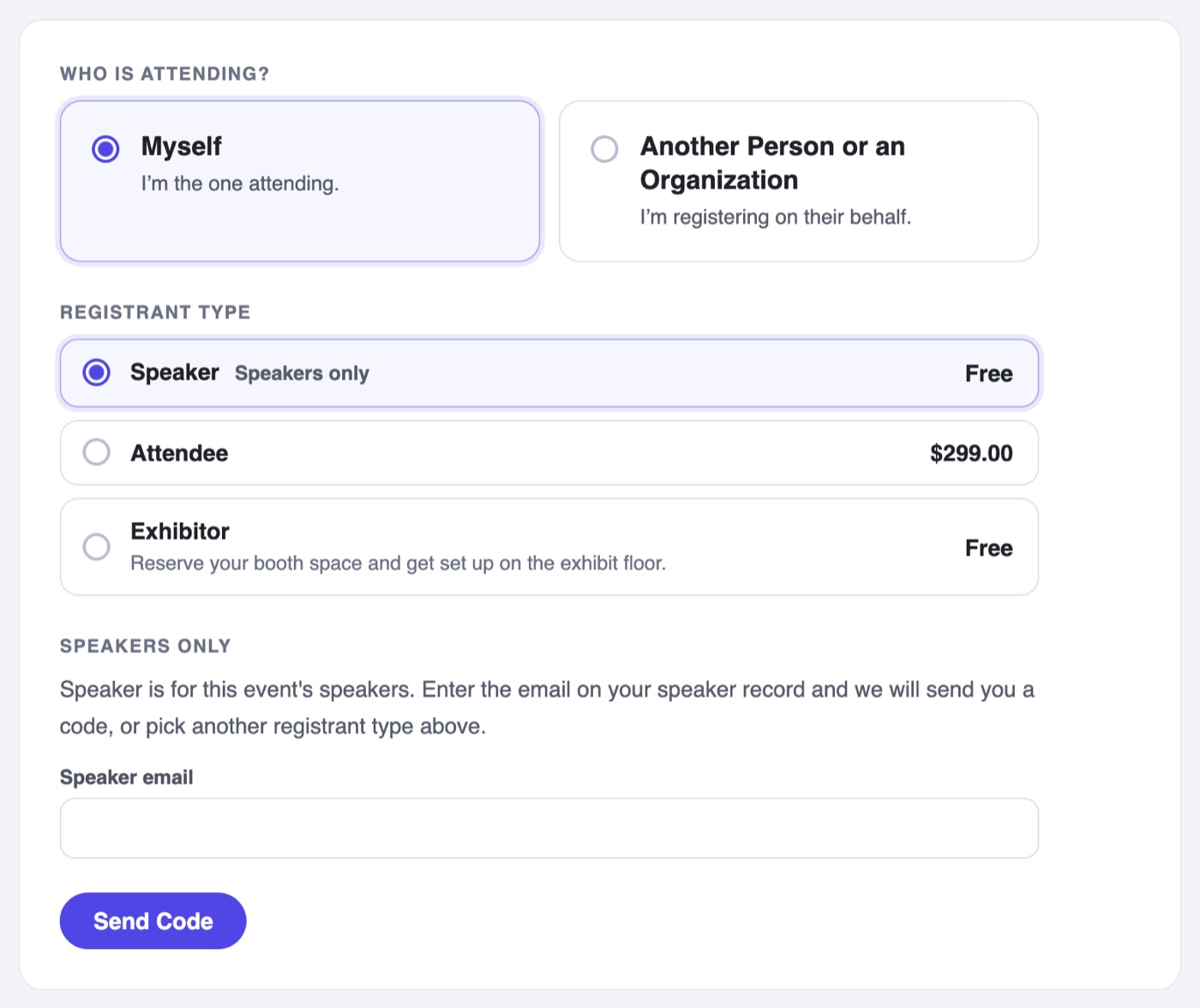
- They enter the email on their speaker record and tap Send Code.
- A two-word code arrives in that inbox. It works once and lasts 10 minutes.
- They enter it and the form opens, with their name filled in and their email locked to the speaker address.
What It Protects
- Typing a speaker's email is not enough; the code goes to that speaker's own inbox. Nobody can take a speaker pass just by knowing an address.
- The screen after Send Code reads the same for everyone, so the form never reveals who is speaking at your event.
- Each speaker registers once. A speaker who comes back is emailed to say they are already registered, with no code.
- Unapproving a speaker, or changing their email, closes the door on any link or code they were already given.
- Anyone else is told the type is for speakers and can pick another registrant type.
Testing It
- Test the Form runs the real check against your speaker list but emails no code, so you can rehearse without surprising a speaker.
- Registering Someone Yourself skips the check: your admin link is the authorization.