
Add your speakers with a photo, name, role and bio. You control the order they appear and which ones show on the site.
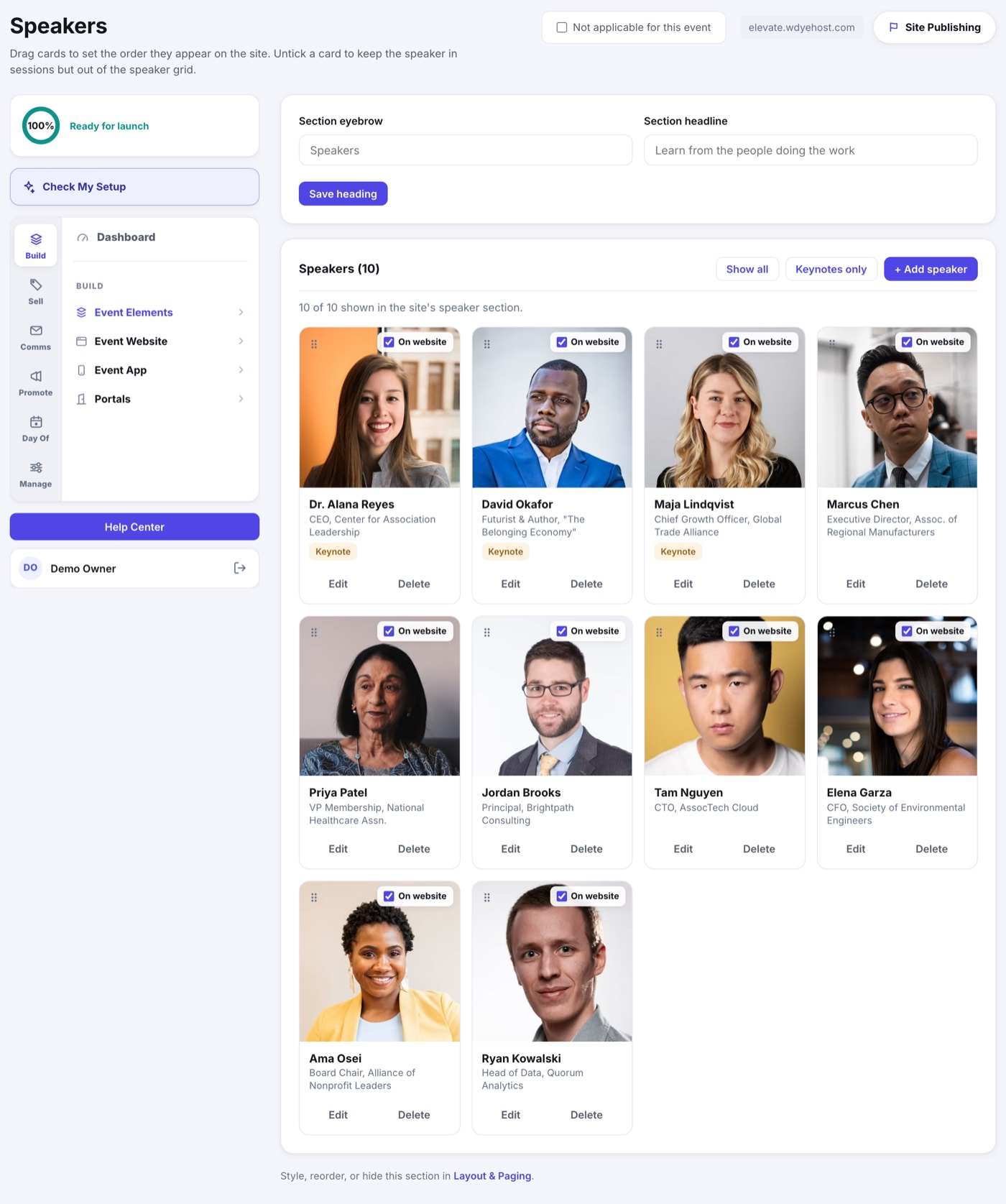
- Open Speakers.
- Click Add speaker and fill in name, role, company and bio.
- Upload a headshot (you can crop it right in the uploader).
- Mark keynotes with the keynote toggle if you want them highlighted.
Ordering and Visibility
- Drag speaker cards to set the order they appear on the site.
- Use the On website switch to keep a speaker in their sessions but out of the speaker grid.
- Show all speakers, or filter the page to keynotes only.
Reviewing Applications
A speaker who applied or was invited through the portal shows a Review button. It opens Portals › Portal Applications, where you read the whole application, proposed sessions included, and approve or decline it. See Reviewing Speaker Applications.
If your access does not include Portals, you see Approve and Decline here instead.
Letting Speakers Edit Themselves
What an approved speaker may still change in the portal is set by the Speaker Self-Service Editing card, which now lives on Portals › Portal Applications.