
Build your schedule here. Add each session with its day, time, room, track, and description. Your site turns these into a browsable, searchable agenda, and the app carries the same schedule.
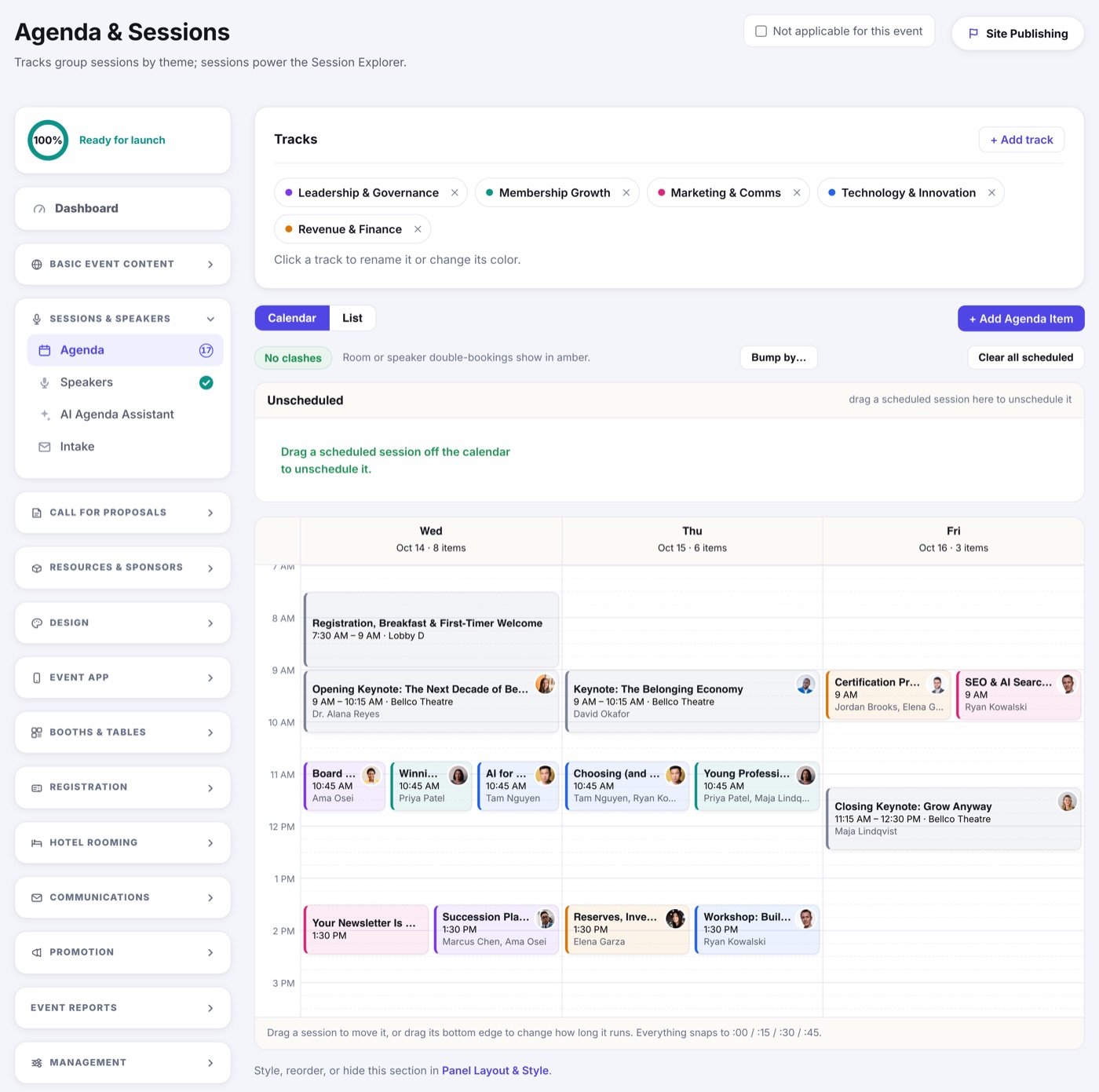
The page opens on the Calendar, a day grid you arrange by dragging. Everything about that view lives in The Agenda Calendar. Switch to List whenever you would rather read the schedule than move it around.
- Open Agenda & Sessions.
- Click Add session.
- Enter the title, day, start and end time, room, and (optionally) a track.
- Add a description and attach any speakers.
- Save. Repeat for each session.