
The AI Agenda Assistant, under Sessions & Speakers, is the fastest way to fill a schedule. Give it whatever you already have, however messy: a spreadsheet, a conference program, a speaker list, an email thread. It reads the text and proposes the sessions and speakers it found, for you to check before anything is added.
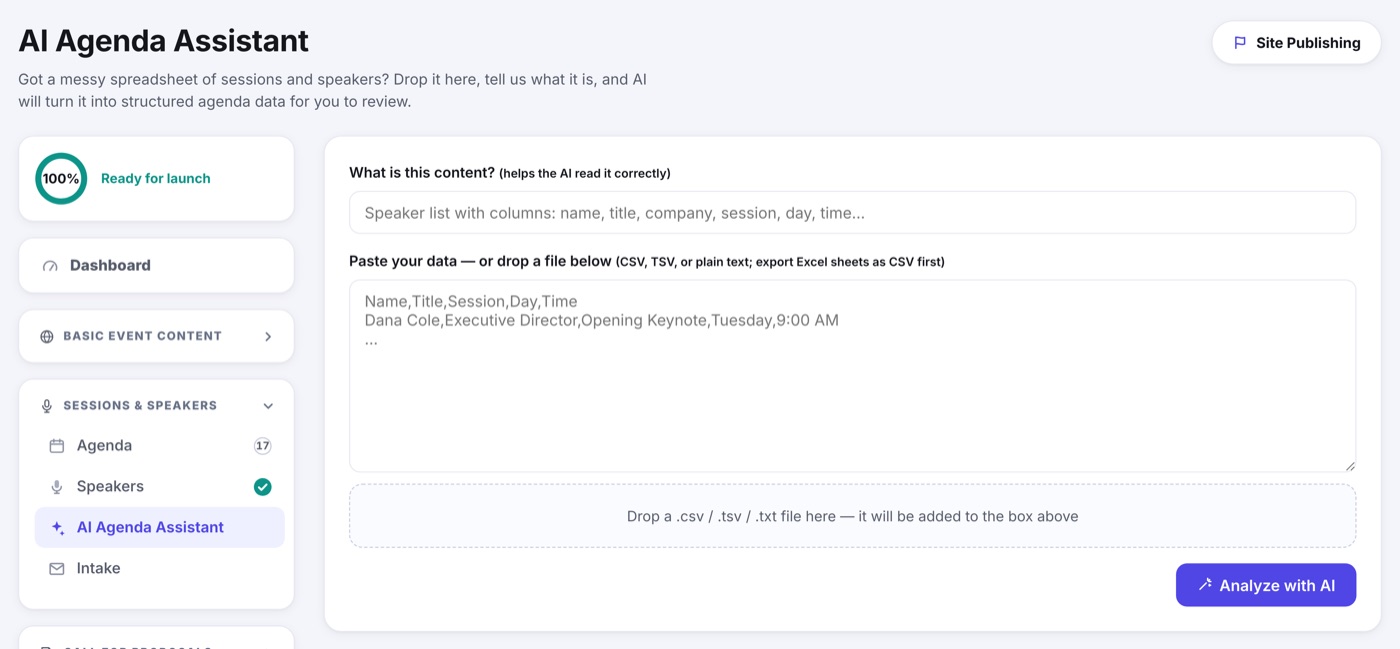
- Open AI Agenda Assistant under Sessions & Speakers.
- Say what the content is in one line, for example "speaker list with columns: name, title, company, session, day, time". It helps the AI read your layout correctly.
- Paste your text, or drop the file in below. CSV, TSV and plain text all work; export a spreadsheet as CSV first.
- Review what it proposes and remove anything wrong.
- Import. The sessions and speakers land in your Agenda and Speakers sections, ready to polish.