
Check-in runs from a web page, not an app anybody installs, and it needs no portal login. Set one passcode for the event and anyone you give it to can admit arrivals from their own phone, or admit people yourself from a laptop at the registration table.
- Open Day Of › Gate Check-In.
- Under Volunteer Passcode, type a passcode (something short and sayable, because you will be reading it out) and click Save. Clearing it closes check-in.
- Click Open Check-In App to see what your volunteers will see, then send that same link to your door team with the passcode.
The Volunteer QR
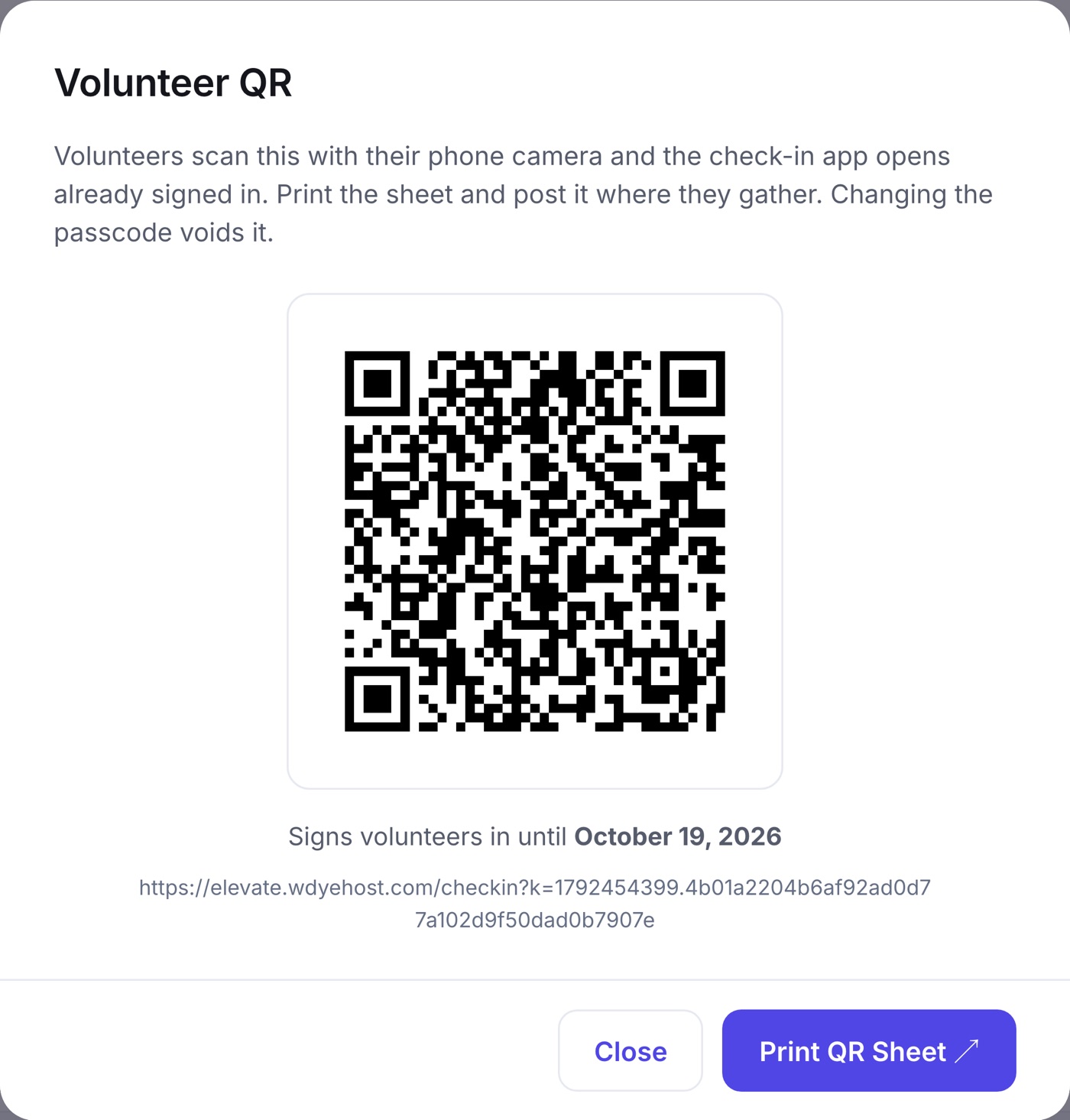
Beside Open Check-In App sits Volunteer QR. It shows a code volunteers scan with their phone camera to open the check-in app already signed in, and Print QR Sheet gives you a page to post where they gather. It is tied to the passcode: change the passcode and every printed sheet stops working. It also expires on its own a few days after your event.
The Check-In Desk
Under the passcode, the Check-In Desk lets you admit people from this page, no phone needed. Every device working the door shares one count, and the list re-reads itself every few seconds.
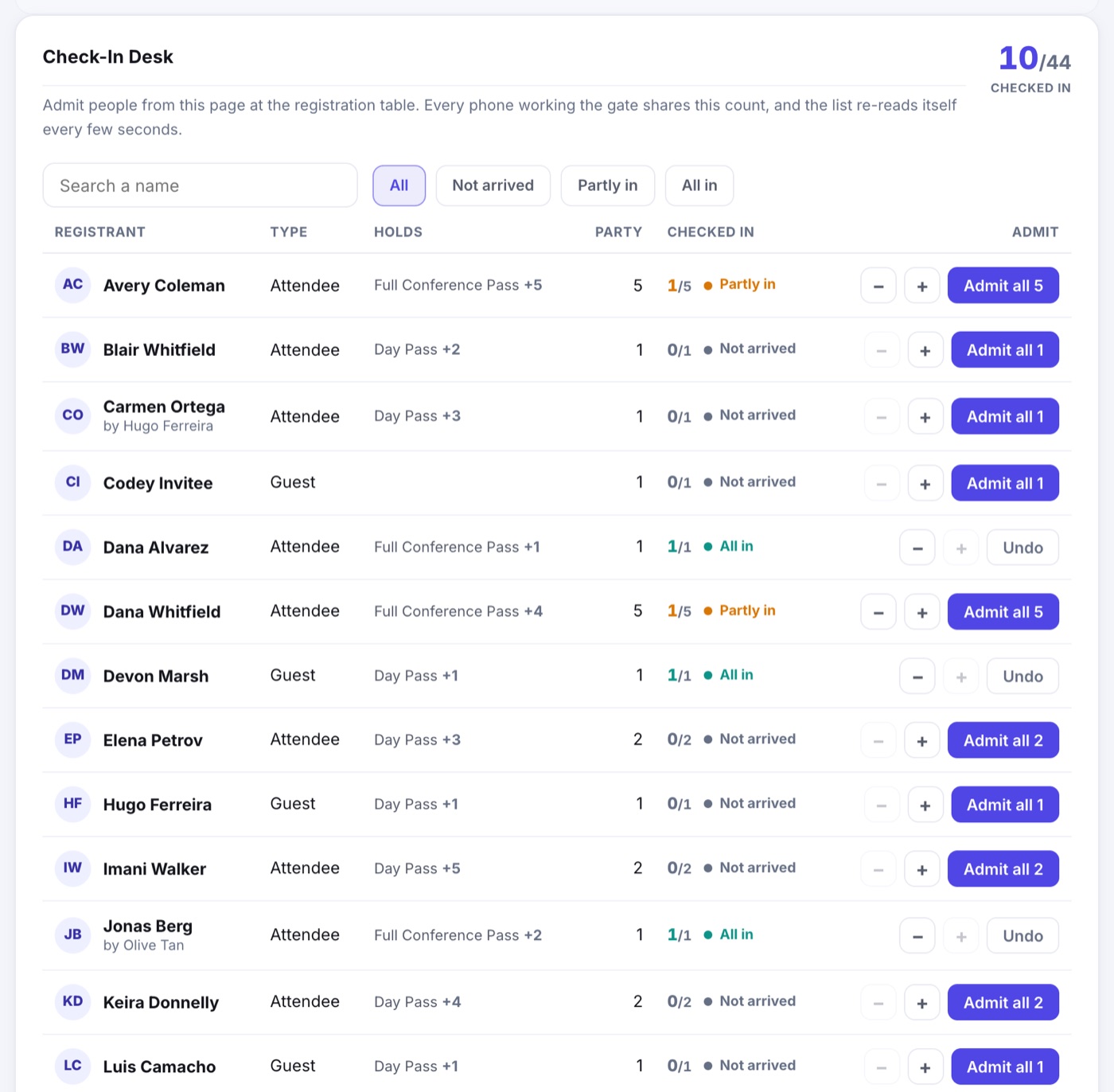
- Search by the registrant's name, the name of whoever registered them, or anyone in their group.
- Filter to Not arrived, Partly in or All in.
- A party is counted by heads: tap + as each person arrives, or Admit all for everyone at once. Undo puts a party back to not arrived.
- Only paid registrations appear; test registrations never do.
Seated Guests
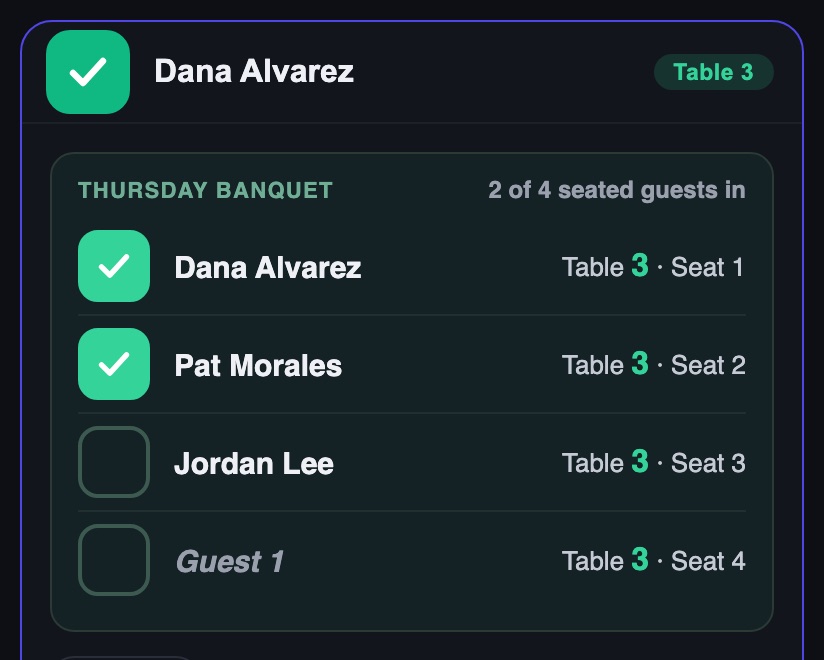
A registration that holds seats on a table map lists each seat as a guest with a check box of its own: on the phone when you open the registration, and on the desk as small chips under the name. Search finds a registration by any named guest too. Guest check-in is counted separately from the party's head count. See Seated Guests.
At the Door on a Phone
- Scan the QR on the badge or on the ticket in the attendee's phone, and they are in.
- No code to scan? Search by name and admit them from the list.
- Anyone already checked in shows as such, so a duplicate scan cannot double count.
The same app checks people into individual sessions, with rules you set per agenda item. See Checking People Into a Session.