
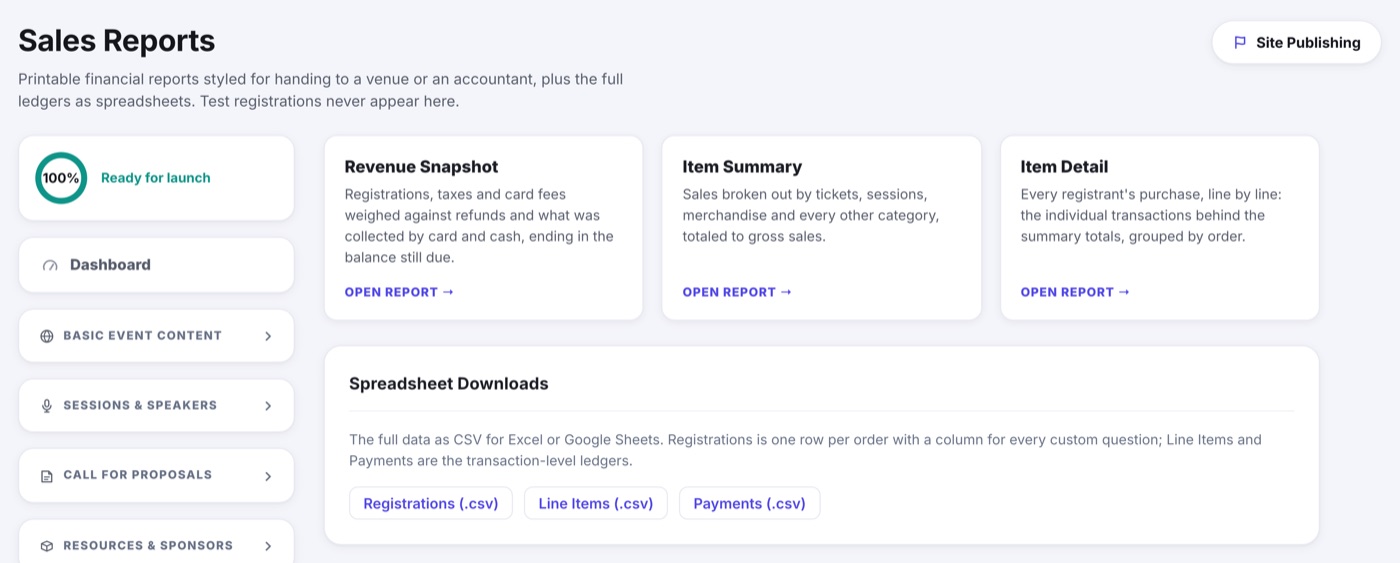
Sales Reports is the money half of the report library: what was sold, what was collected, and what is still owed. Printable sheets styled for handing to a venue or an accountant, plus the full ledgers as spreadsheets. Test registrations never appear.
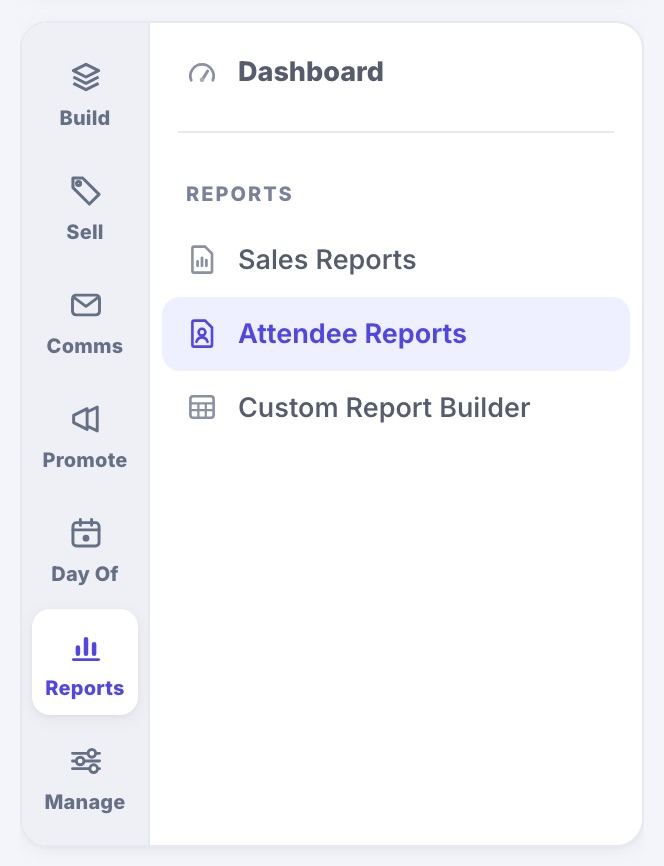
All three report pages live under the Reports tab down the left edge of the menu: Sales Reports, Attendee Reports and the Custom Report Builder.
The three sheets
- Revenue Snapshot: registrations, taxes and card fees weighed against refunds and what was collected by card and by cash, ending in the balance still due.
- Item Summary: sales broken out by tickets, sessions, merchandise and every other category, totaled to gross sales.
- Item Detail: every registrant's purchase line by line, grouped by order, so you can see the transactions behind any summary total.
Open one and it renders as finished pages on screen, each carrying your event name, the as-of time and a page number. Print or save as PDF from your browser.
Spreadsheet downloads
- Registrations: one row per order, with a column for every custom question on your form.
- Line Items and Payments: the transaction-level ledgers behind those orders.
Questions nobody has answered yet
Add a question to an item after people have registered and it cannot reach them, so the registrations export names the gap for you rather than leaving a blank you have to interpret.
- A Missing Answers column sits just before the question columns and lists what each registration still owes.
- The question's own column reads NEEDS ANSWER for the people who owe it, and stays empty for anyone who was never asked.
- Only live registrations are marked, so a canceled or refunded order never sends you chasing.