
Attendee Reports answers who is coming, where they are staying and who was in the room. Printable sheets and spreadsheet downloads, no money. Test registrations never appear.
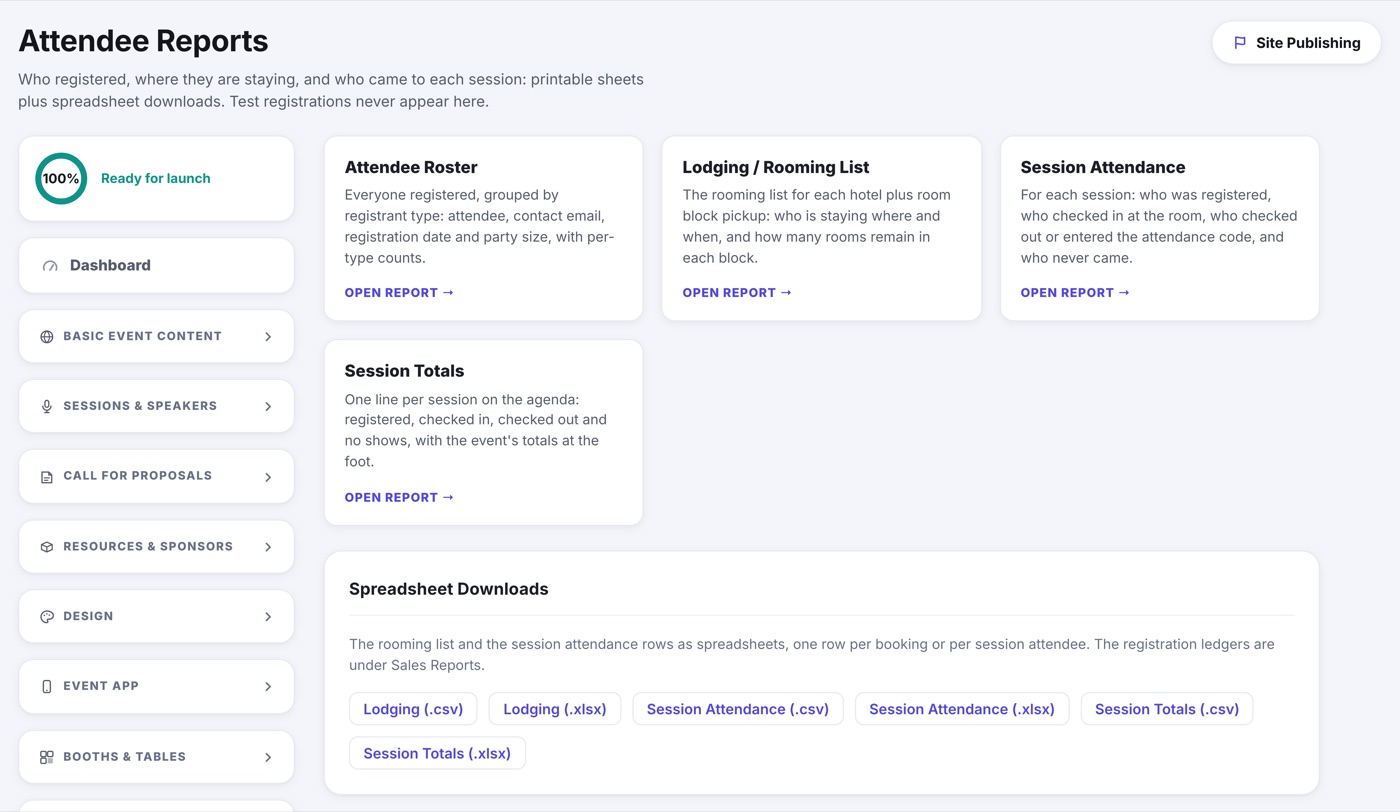
- Attendee Roster: everyone registered, grouped by registrant type, with contact email, registration date and party size, and a count per type.
- Lodging / Rooming List: appears once your event has a hotel. Room block pickup night by night, then who is staying where and when.
- Session Attendance: appears once your agenda has sessions. Per session, who registered, who checked in at the room, who checked out or entered the attendance code, and who never came.
- Session Totals: one line per session with registered, checked in, checked out and no shows, and the event's totals at the foot.
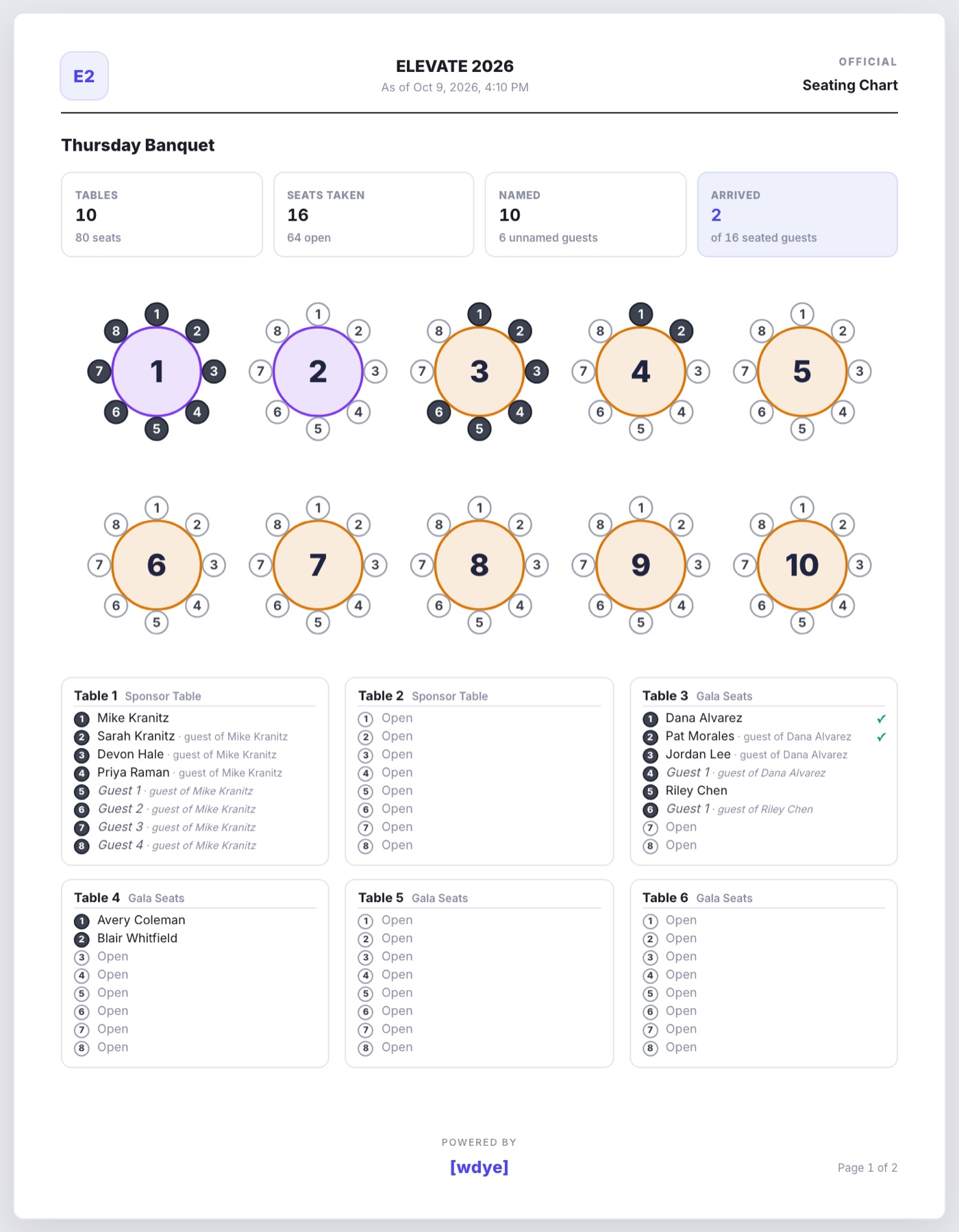
- Seating Chart: appears once a table map has tables. Each map drawn with numbered seats, then a box per table saying who sits in every seat, guests included, with a check mark beside anyone already checked in.
Printing
Open a report and it renders as finished pages on screen, each carrying your event name, the as-of time and a page number. Print or save as PDF from your browser. Long lists split across pages with continued headings and the totals on the last one.
Spreadsheet downloads
The rooming list and both session reports download as .csv or .xlsx, one row per booking or per session attendee. The registration ledgers live under Sales Reports.