
These live under Promotion in the menu, as two pages: SEO and Social Sharing.
SEO
Set the page title and description search engines show. Good, specific text here helps people find your event on Google.
Social Sharing
Set the image and text that appear when someone shares your event link on social media or in a message. A strong share image dramatically improves click-through.
- Open SEO under Promotion and fill in the page title and description.
- Open Social Sharing and upload a share image. Landscape works best.
- Save.
Search Visibility
Two switches on the SEO page decide who is allowed to read your site. Both are on by default, and both only apply once the site is live.
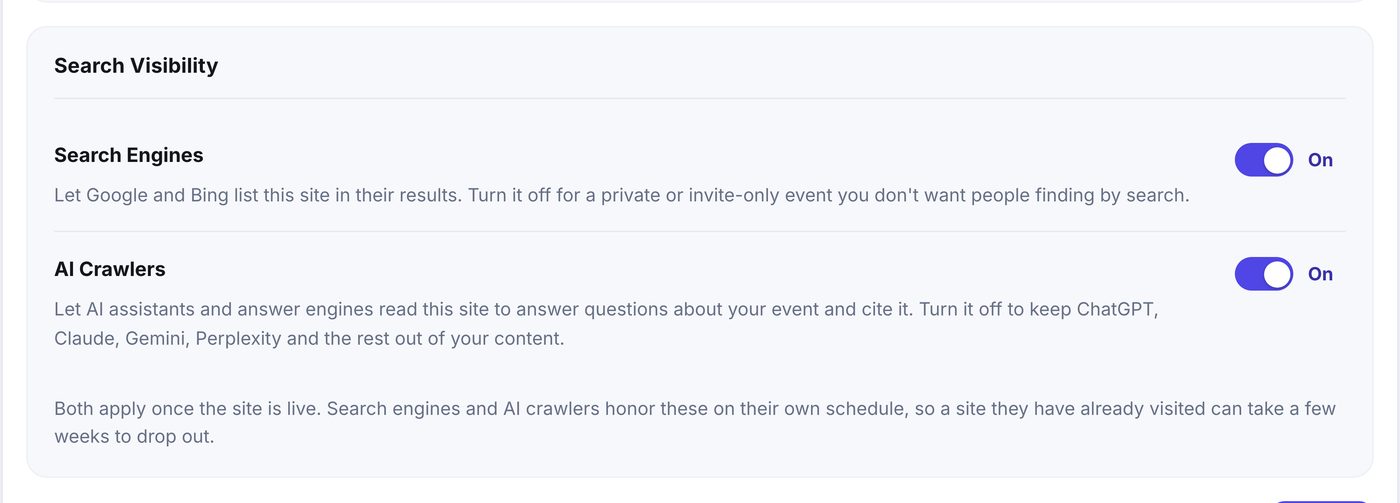
- Search Engines lets Google and Bing list the site in their results. Turn it off for a private or invite-only event you do not want people finding by search.
- AI Crawlers lets AI assistants and answer engines read the site so they can answer questions about your event and cite it. Turn it off to keep ChatGPT, Claude, Gemini, Perplexity and the rest out of your content.