
Your brand colors drive buttons, links and accents everywhere on the site, and your font pairing sets the type. Both live in Event Website › Branding & Hero.
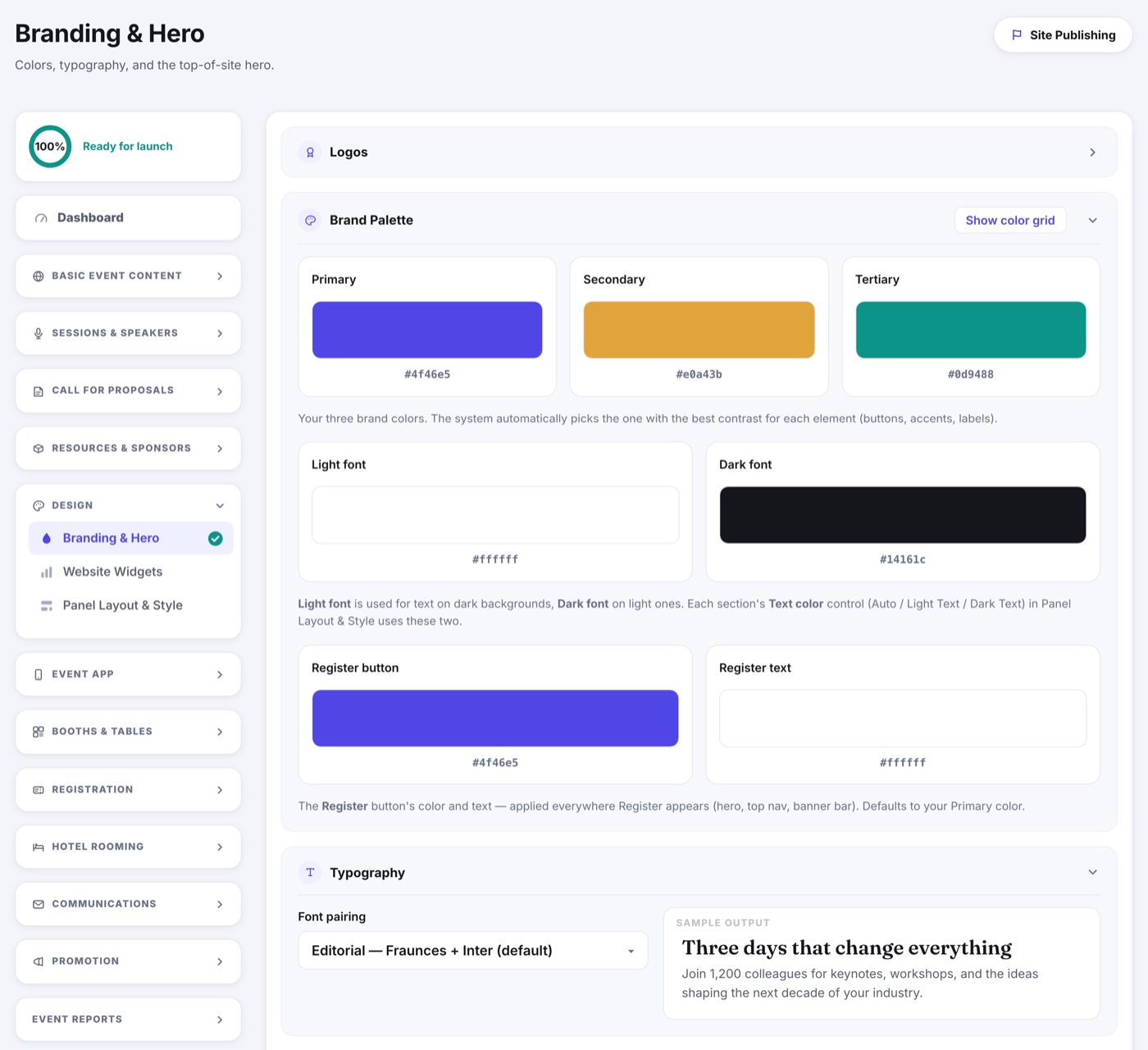
Brand Palette
- Primary, secondary and tertiary are your three brand colors. The site picks whichever one reads best against each element, so you set three and stop thinking about it.
- Light font and dark font are the two text colors: light for text on dark backgrounds, dark for text on light ones. Each section's Text color control in Layout & Paging chooses between them.
- Register button has its own color and text color, applied everywhere a Register button appears. It defaults to your primary.
Typography
Pick a font pairing. Each one combines a heading and a body font that work well together, and the sample beside it shows the pair on real copy before you save.