
The app is fed by your website. Speakers, sponsors, the agenda, the venue: it is the same content, so nothing is entered twice and nothing can drift out of step. This page is only about which of it the app carries.
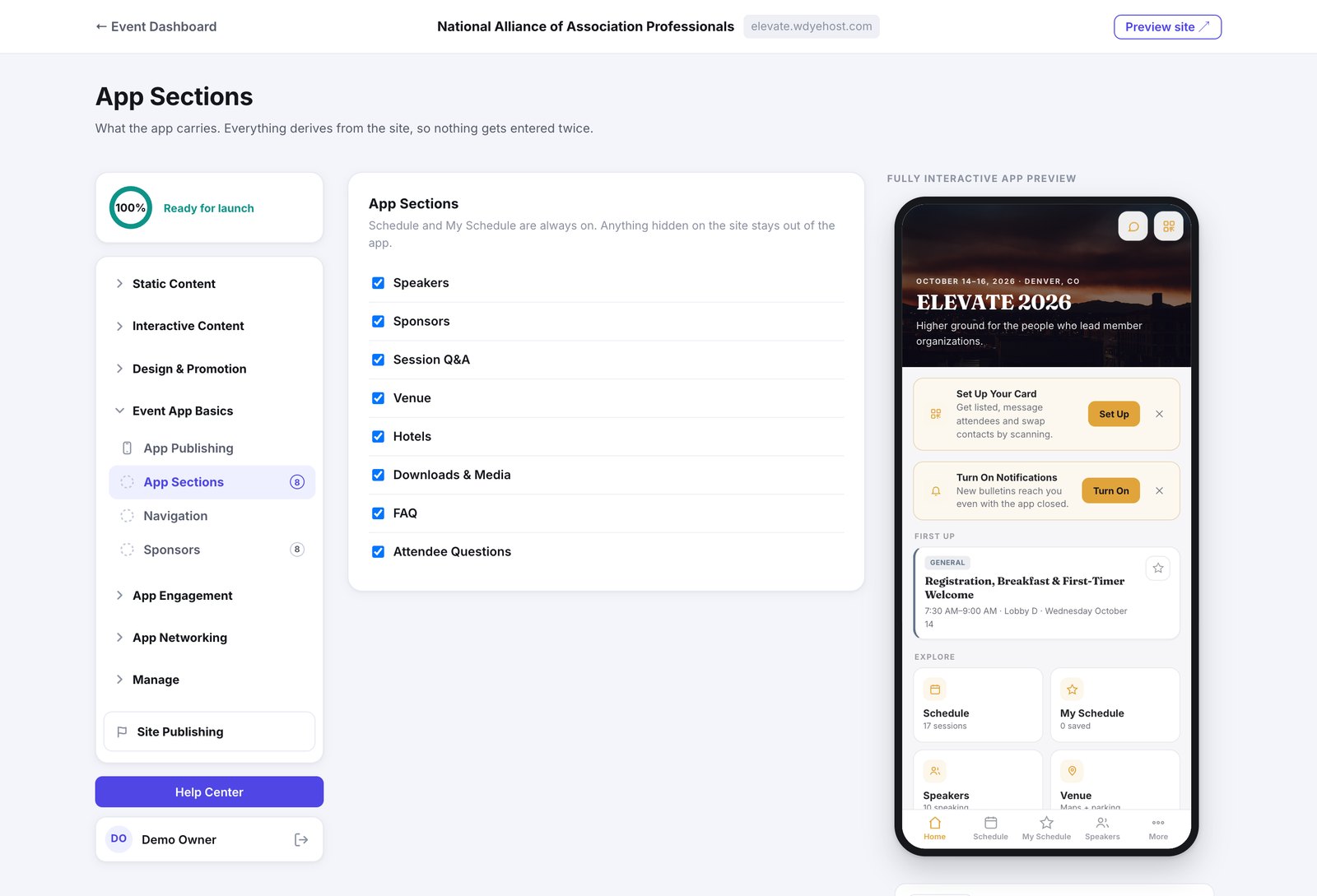
- Open Event App Basics › App Sections.
- Tick the sections you want in the app.
- Watch the preview on the right update as you go.
- Schedule and My Schedule are always on. They are the reason most people open the app.
- Anything you have hidden on the website stays out of the app, whether or not it is ticked here.
- Turning a section off here leaves it on your website. The two are set separately.
My Schedule: Who Adds Sessions
Under Schedule, the My Schedule setting decides whether attendees build their own schedule.
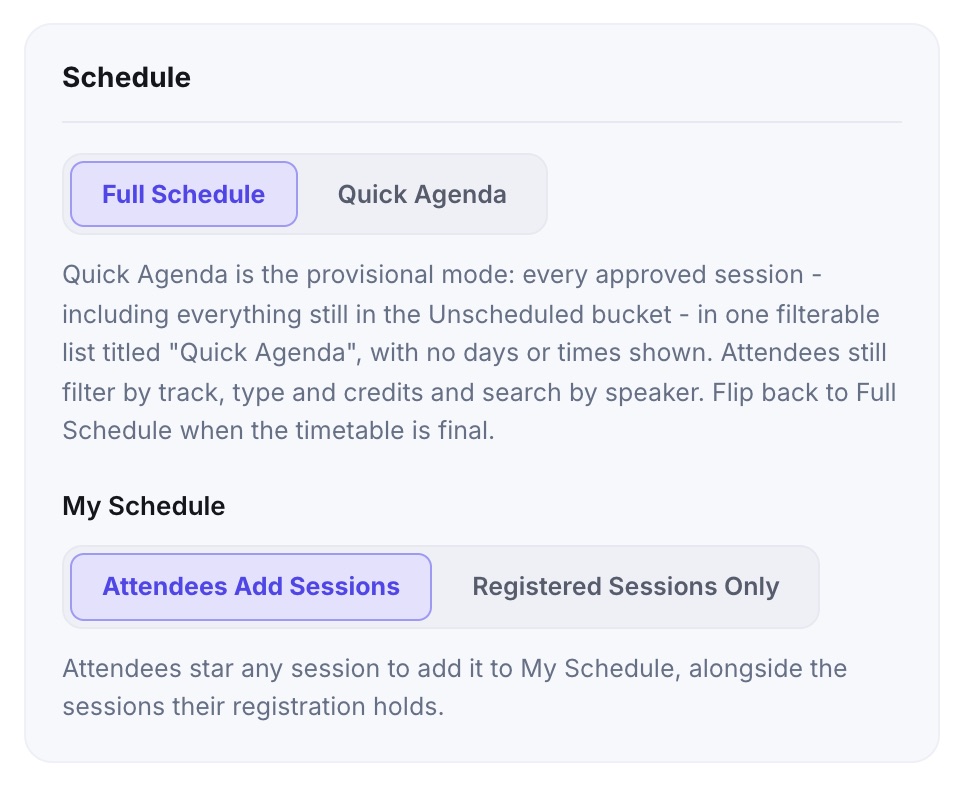
- Attendees Add Sessions (the standard): attendees star any session to add it to My Schedule, alongside the sessions their registration holds.
- Registered Sessions Only: My Schedule shows only the sessions each person is registered for or was assigned. There are no stars to tap and no Add to My Schedule button. Use it for a meeting where sessions are assigned and people may not attend others.
- With Registered Sessions Only, a session whose attendance rule is adds it to My Schedule admits only the people registered for it, at the door and with the attendance code.
- Switching back restores what people had starred: nothing is deleted.