
The bar along the bottom of the app has five slots. Home and More are fixed at either end; you choose the three in between and the icon for each.
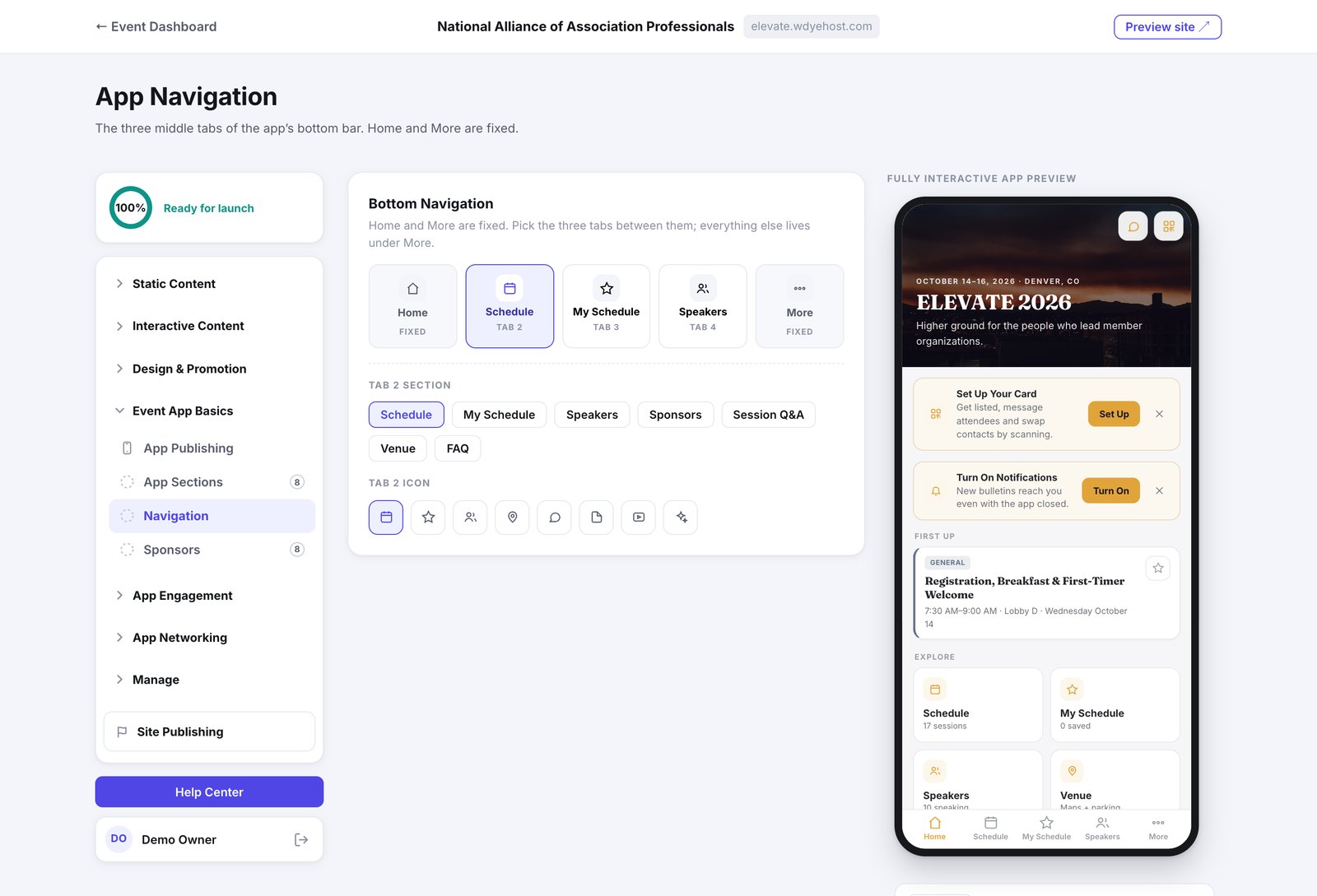
- Open Event App Basics › Navigation.
- For each of tabs 2, 3 and 4, pick the section it opens.
- Pick an icon for each.
Nothing is lost by leaving a section out of the bar. Everything the app carries is still reachable under More. The tabs are just the three things you expect people to reach for most.