
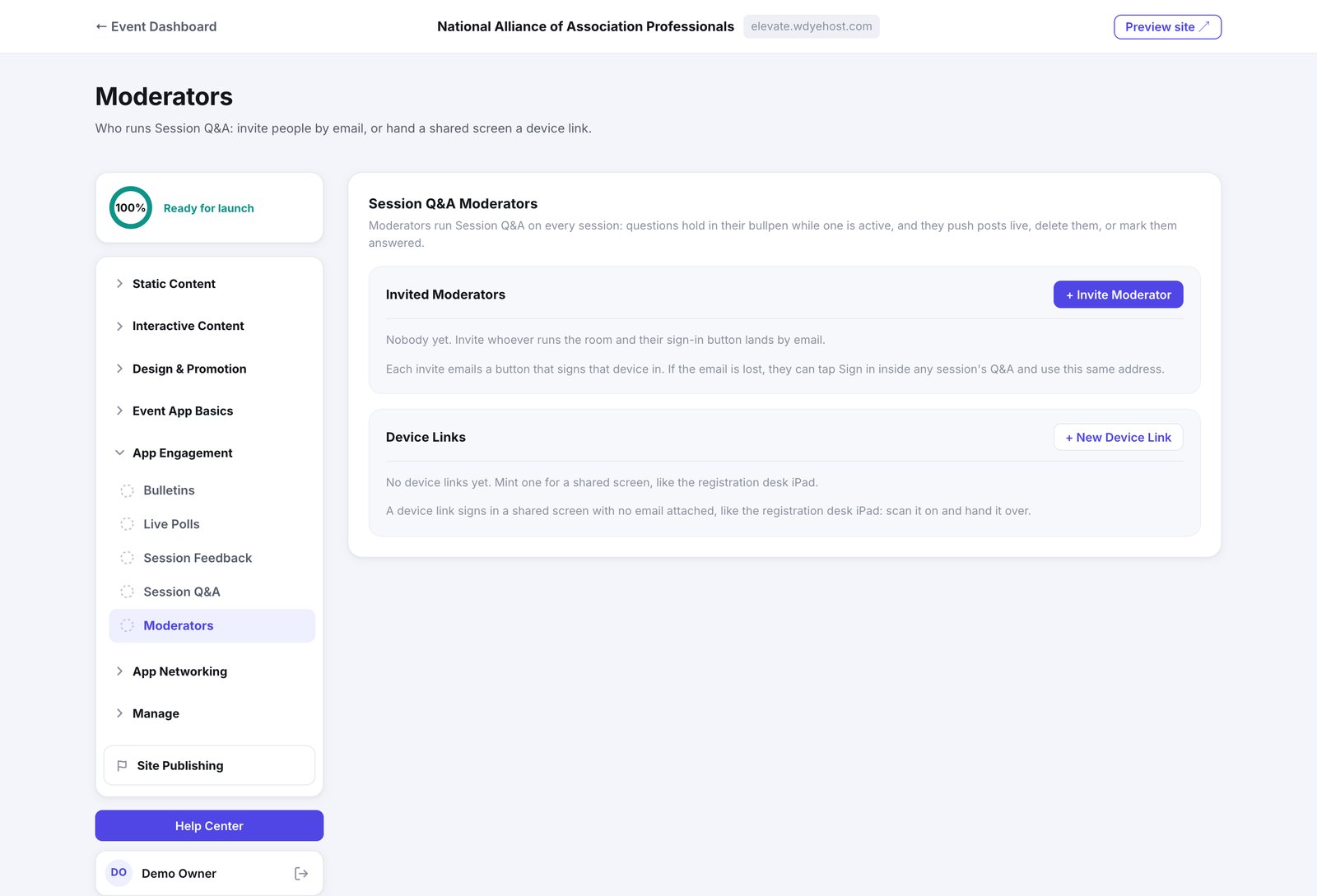
Moderators run Session Q&A across every session. Questions hold in their bullpen while one of them is active, and they publish questions or delete them.
Invite a person
- Open Day Of › Live Engagement › Session Moderators.
- Click + Invite Moderator, enter their name and email, and click Send Invite.
- They get a button by email that signs their device in.
Sign in a shared screen
A device link signs in a screen rather than a person, with no email attached: the registration desk iPad, a laptop at the back of the room. Click + New Device Link, give it a label (Registration Desk iPad), click Create Link, and open it on the device. The link is shown once; Rotate replaces it and Revoke ends it.
Revoking a moderator closes their sign-in path as well as their current session, so a departed volunteer cannot let themselves back in.