
Session feedback is a single switch. Turn it on and every session page gains a "How was this session?" card: one to five stars and an optional comment.
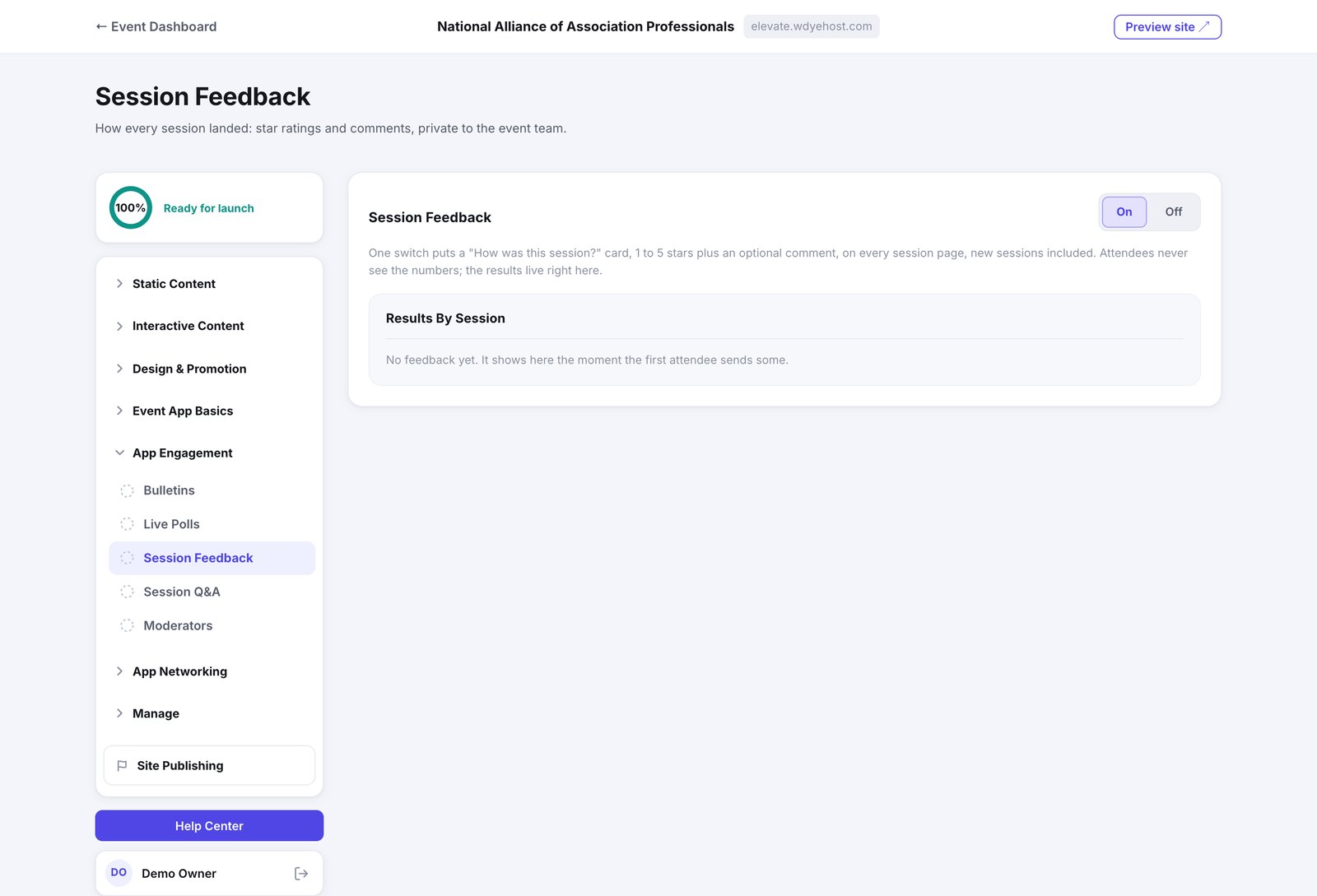
- Open Day Of › Live Engagement › Session Feedback.
- Switch it On.
- Read the results on this page as they arrive.
- Sessions you add later are covered automatically. There is nothing to assign.
- Attendees never see the scores, their own or anyone else's. The results are yours.
- Results are grouped by session, so you can see which rooms landed.