
A bulletin is how you reach the room. It slides down like a notification for anyone with the app open, and stays on the Home screen until it expires. Attendees do not have to install or allow anything to see one.
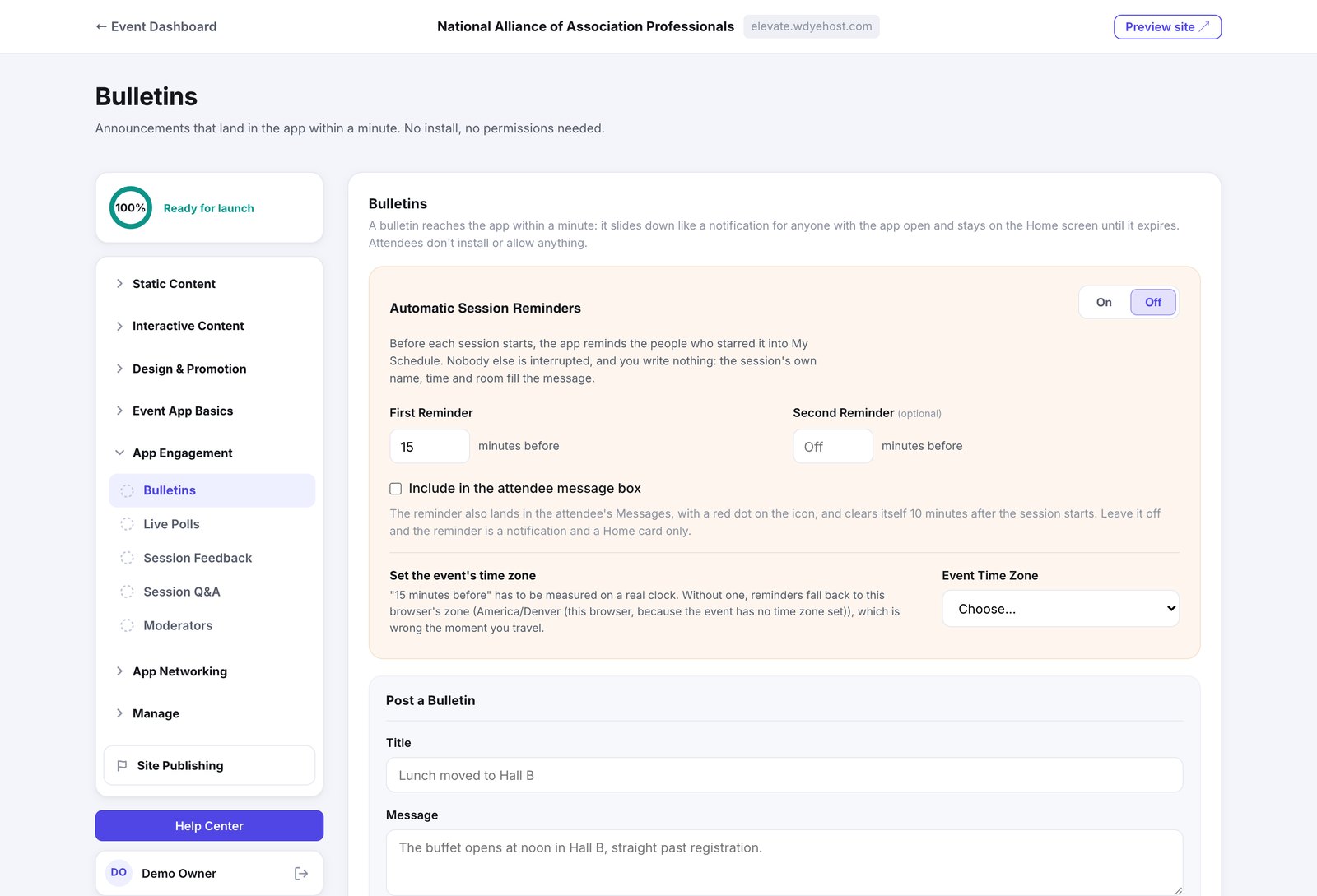
Sending one
- Open Day Of › Live Engagement › Bulletins.
- Write the title and message.
- Pick how long it should live, from five minutes to a set time of day.
- Choose a style, then send.
- Info is a light card, Dark is an ink card, Alert is red. Save red for things that actually are urgent.
- You can send to everyone, or narrow it to the people who have a particular session on My Schedule, whether they starred it or are registered for it.
- You can also schedule one to go out later.
- Attendees dismiss a bulletin with the ✕ or a swipe. Past bulletins stay readable under More › Bulletins.
Automatic session reminders
Turn Automatic Session Reminders on and the app reminds people before a session they starred into My Schedule. Nobody else is interrupted, and you write nothing: the session's own name, time and room fill the message.
- Set First Reminder to how many minutes ahead it should go.
- Add a Second Reminder if you want a nudge closer to the start.
- Check your event's time zone is set, in Event Essentials.