
The Day Of tab down the left edge of the menu gathers everything you use while the event is running, so nothing you need at the venue is buried under setup.
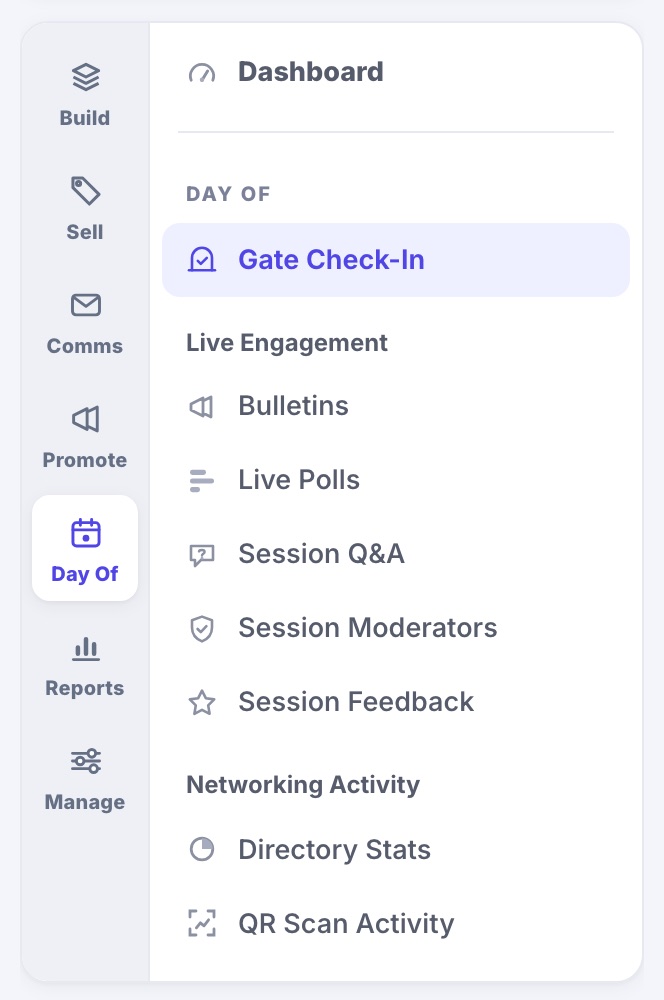
- Gate Check-In: the passcode for your door team, the Volunteer QR, and the Check-In Desk for admitting people from a laptop. See Checking People In at the Door.
- Live Engagement: Bulletins, Live Polls, Session Q&A, Session Moderators and Session Feedback.
- Networking Activity: Directory Stats and QR Scan Activity, counts only, never lists of people.
Setting the app up (publishing it, what it carries, the directory and QR scanning themselves) stays under Build › Event App. Day Of is where you run it.