
The directory lets attendees find each other and message privately inside the app. It shows name, company and industry, and nothing else: phone numbers and emails never appear there.
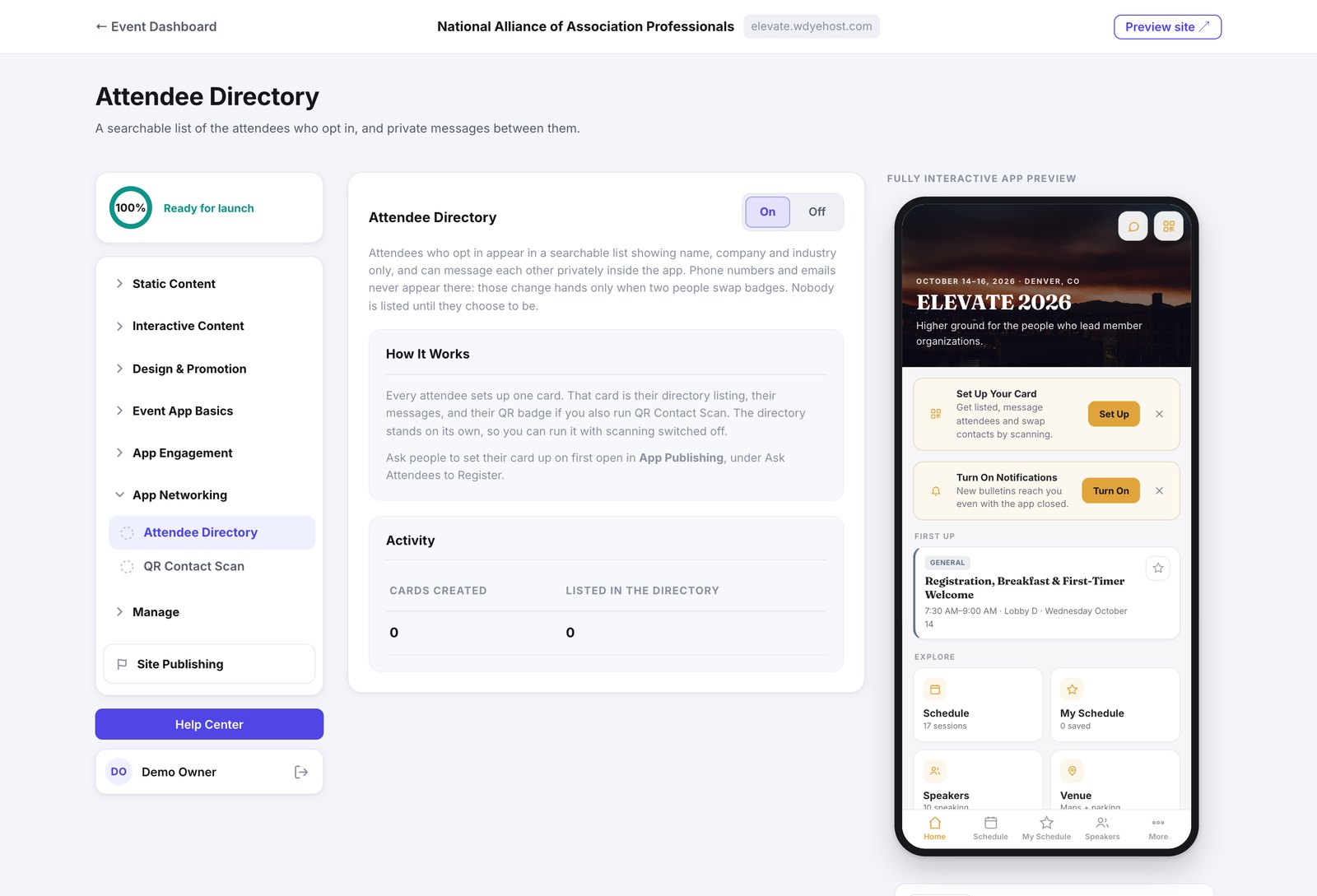
- Open App Networking › Attendee Directory.
- Switch it On.
- On App Registration, just below QR Contact Scan, turn on Ask for a Contact Card so people are invited to set up a card when they first open the app.
One card, three jobs
Every attendee sets up a single card. That card is their directory listing, their message inbox, and their QR badge if you also run QR Contact Scan. The directory works on its own, so you can run it with scanning switched off.
How it is going lives under Day Of › Networking Activity › Directory Stats: cards created, how many chose to be listed, messages sent and conversations. Counts only, never a list of people.