
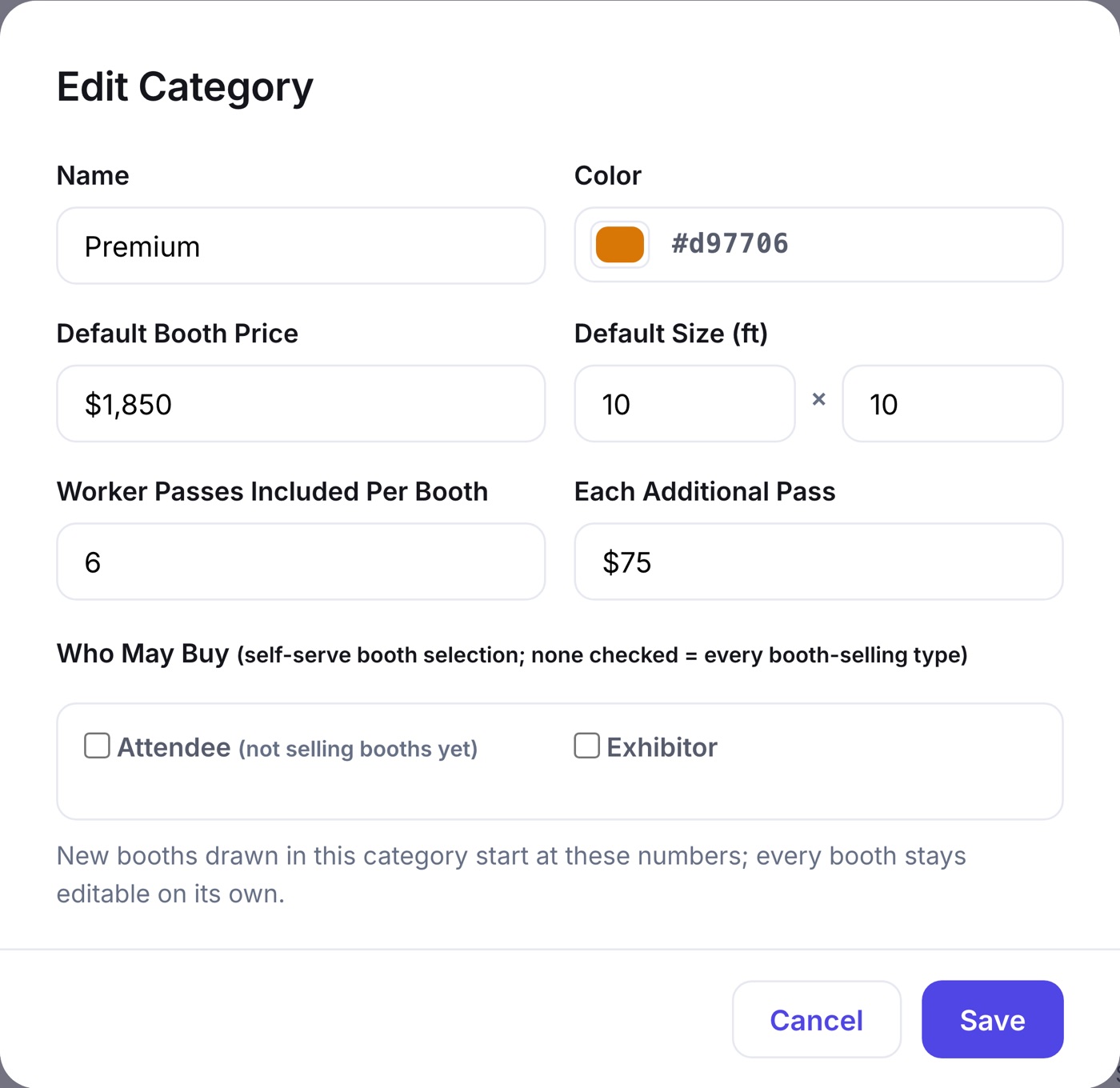
Booth staff register themselves, so your check-in roster is complete without you typing a single worker's name. The booth category decides how many passes come free with a booth and what each extra pass costs.
- The exhibitor finds their worker code in their confirmation email and on the Exhibit tab of their portal, and shares it with their crew.
- Each worker opens your registration form, picks Booth Worker, and enters the code.
- While included passes remain, the pass is free. When they run out, the next pass shows the extra-worker price from the booth's category.
- Every worker lands on the event roster under the exhibitor's company, and the portal shows the running count.
The Booth Worker type is a Guest whose code source is the exhibitor worker code, so workers cannot register without an exhibitor behind them. The allotment follows the booths: buy more booths, get more included passes.