
Your portal login was set up for you by the WeDoYourEvents team. You sign in with your email address and the access code you were given.
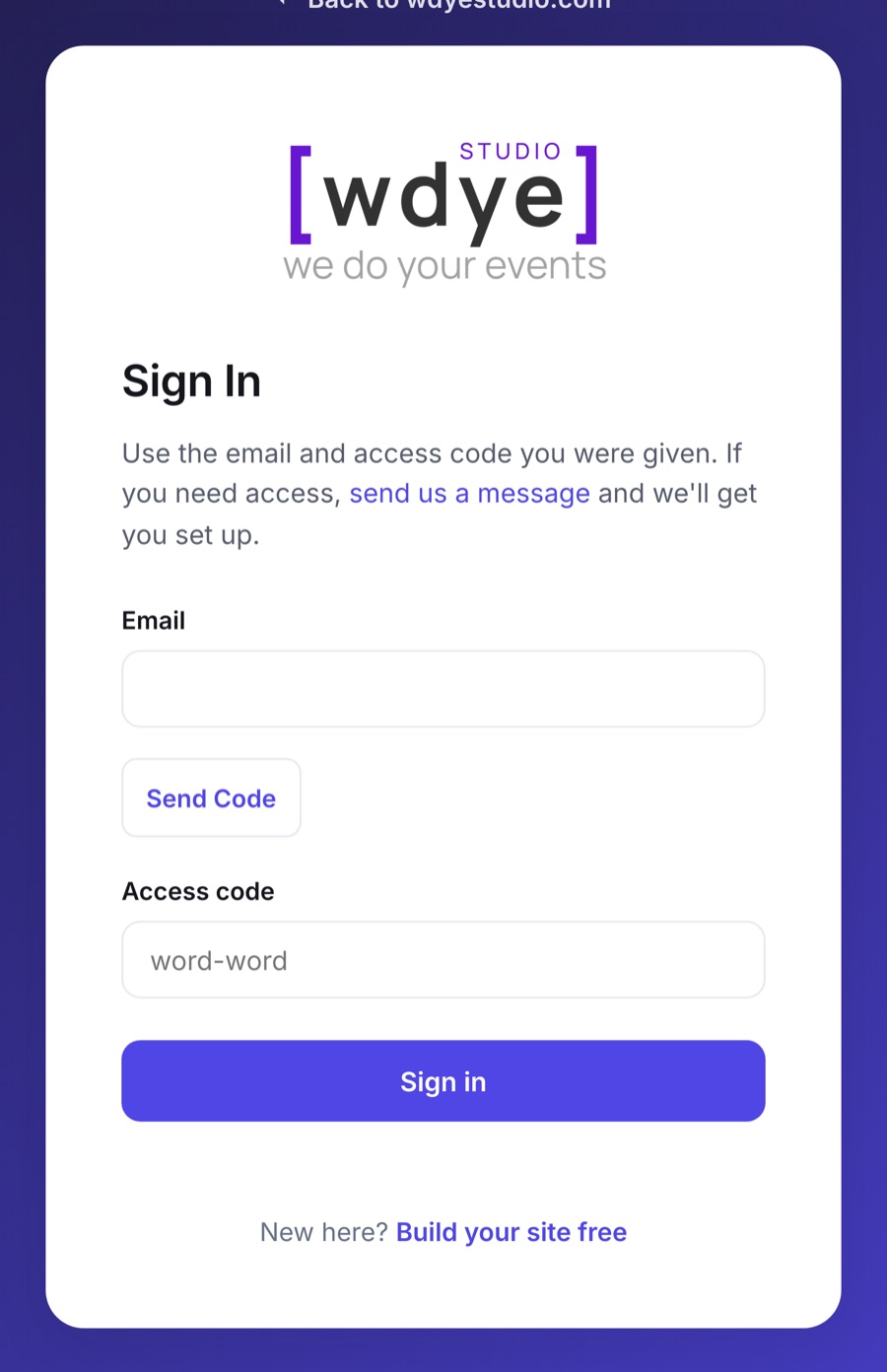
- Go to your portal link (we sent it to you by email).
- Enter your email address.
- Enter your access code.
- You're in - you'll land on your event's dashboard.
Admin users from your organization can also add additional portal users - If you were added as a user by your admin, you will receive an invitation to your email address with an access code. Follow the steps above to successfully login to your organization's portal.