
Your event portal is where you build and manage your event: the website, the attendee app, registration, and everything you print or send. You edit it all here, and your public site updates the moment you save.
How it works
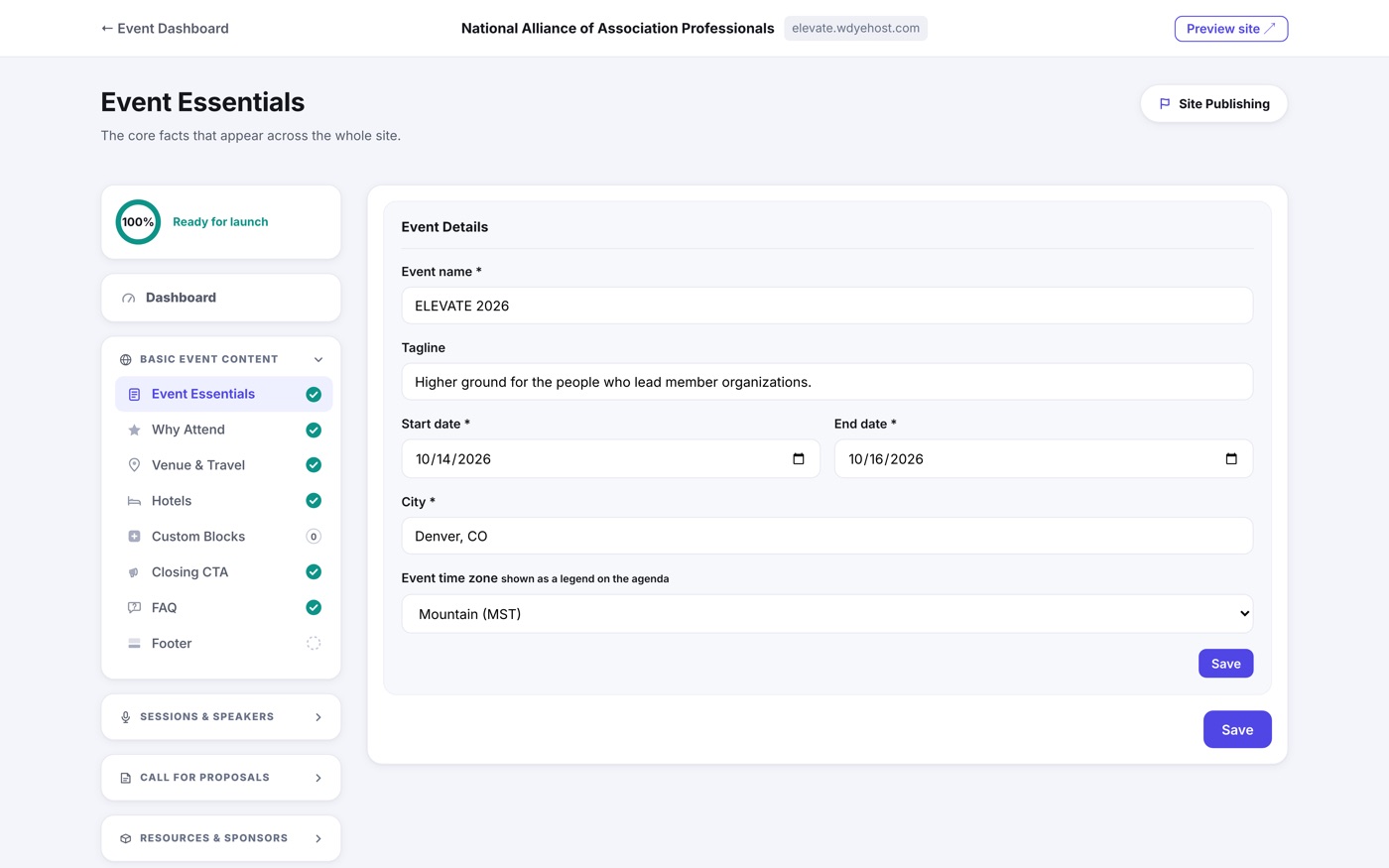
- Each part of your event (called a section) has its own simple editor. Open it, fill it in, save.
- The left menu has seven tabs down its edge: Build, Sell, Comms, Promote, Day Of, Reports and Manage. Pick one and its areas open beside it. Under Build, Event Elements (your essentials, agenda, speakers, sponsors, documents and call for proposals) and Event Website (branding, the site's panels and its layout) build the website, next to the Event App and Portals. Sell holds Registration and Booths & Tables, Comms holds your email templates and messaging, Promote holds SEO and social sharing, Day Of holds check-in and live engagement, Reports holds every printable report and spreadsheet, and Manage holds your team and support tickets.
- You will only see the blocks your event uses. Registration, the app and the rest appear once they are part of your plan.
- Dashboard sits at the top of the menu as your landing page.
- As you complete the required sections, a progress tracker fills toward 100%.
- When the required sections are done, you can flip your site to Live and share it with the world.
- You can keep editing after you go live. Changes appear instantly.