
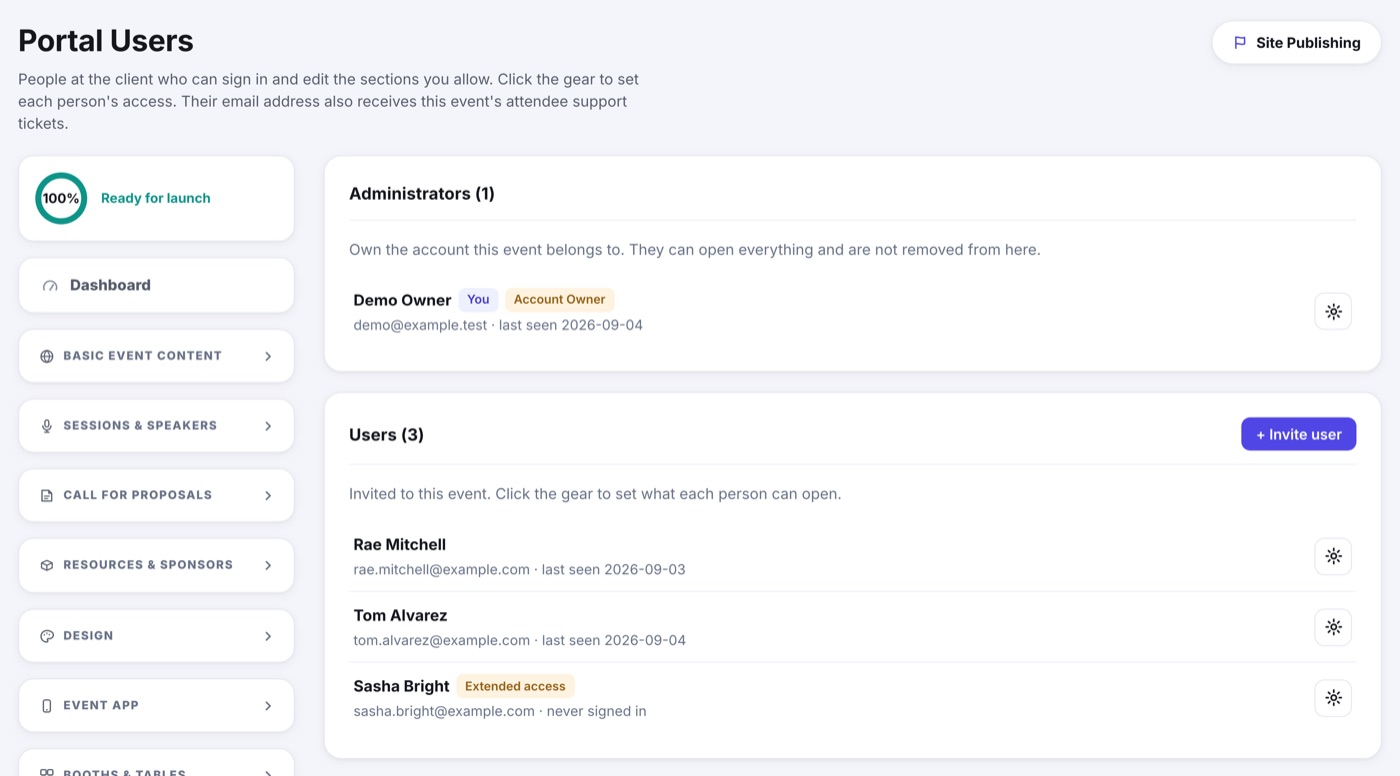
What you can open is set per person, section by section, so two people on the same event can have different access. Most logins can edit every content section and the design; a few operations stay with the WeDoYourEvents team.
You can
- Edit every content section and the design.
- Reorder sections, speakers and agenda sessions.
- Change your site's status, including taking it Live.
- Preview your site anytime.
- Answer your attendees' support tickets.
Reserved for WeDoYourEvents
- Archiving or deleting the event.
- Internal notes and the event's own name and web address.
Adding teammates
Whoever holds Client Admin on an event sees Portal Users and can invite the rest of the team, setting what each person may open. If you do not see that page, ask us and we will either add the person for you or hand you the key.