
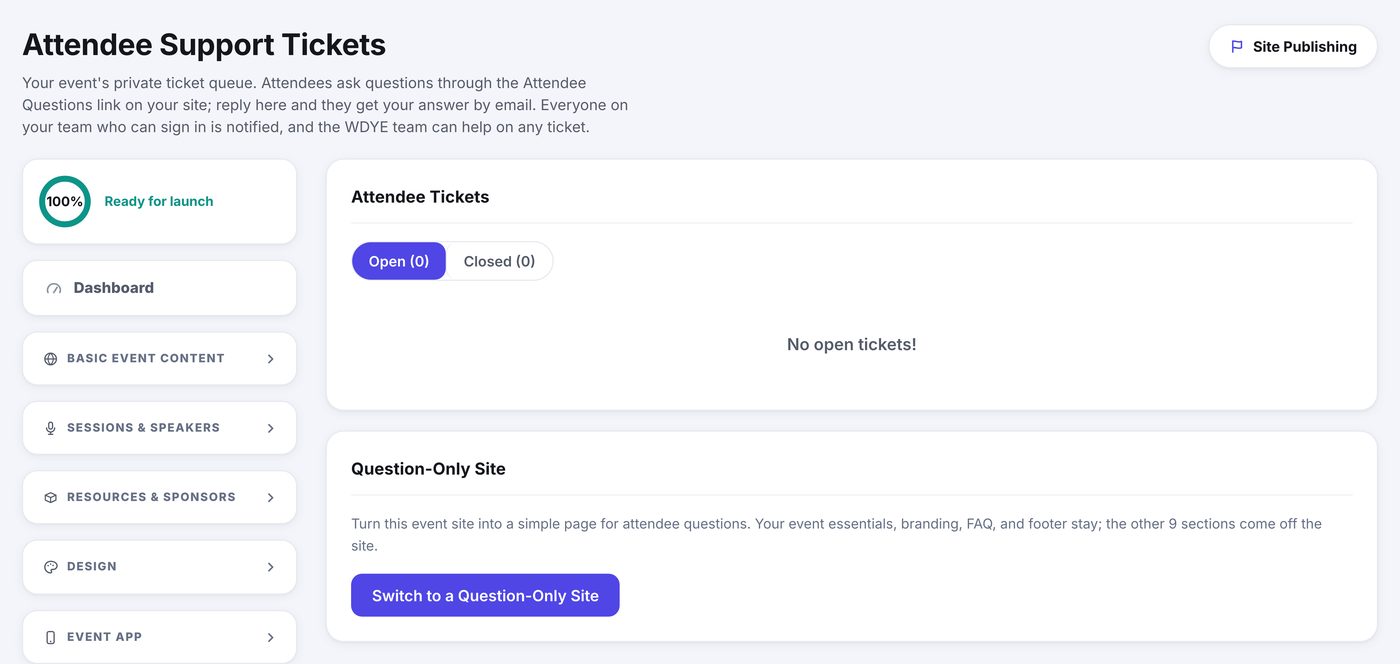
Your site carries an Attendee Questions link. Everything asked through it lands here as a ticket, and your reply reaches the person by email. It keeps event questions out of your own inbox and gives you one place where the whole thread lives.
Working the queue
- Open Attendee Support Tickets under Management.
- The page lands on Open. A dot marks any ticket with a reply you have not read.
- Click a ticket to read the whole thread.
- Write your answer and click Send Reply. It goes to the attendee by email.
- Click Close ticket when it is settled. If they write again it reopens itself.
Things that save time
- Internal note posts to the thread without sending it. Use it to leave your colleagues context the attendee never sees.
- Save as Template keeps a reply you find yourself writing twice, and the picker drops it into the box next time.
- Attach puts a file on your reply: a map, a parking pass, a receipt.
Everyone on your team who can sign in to this event is notified of new tickets, and the WeDoYourEvents team can step in on any ticket if you would like a hand.